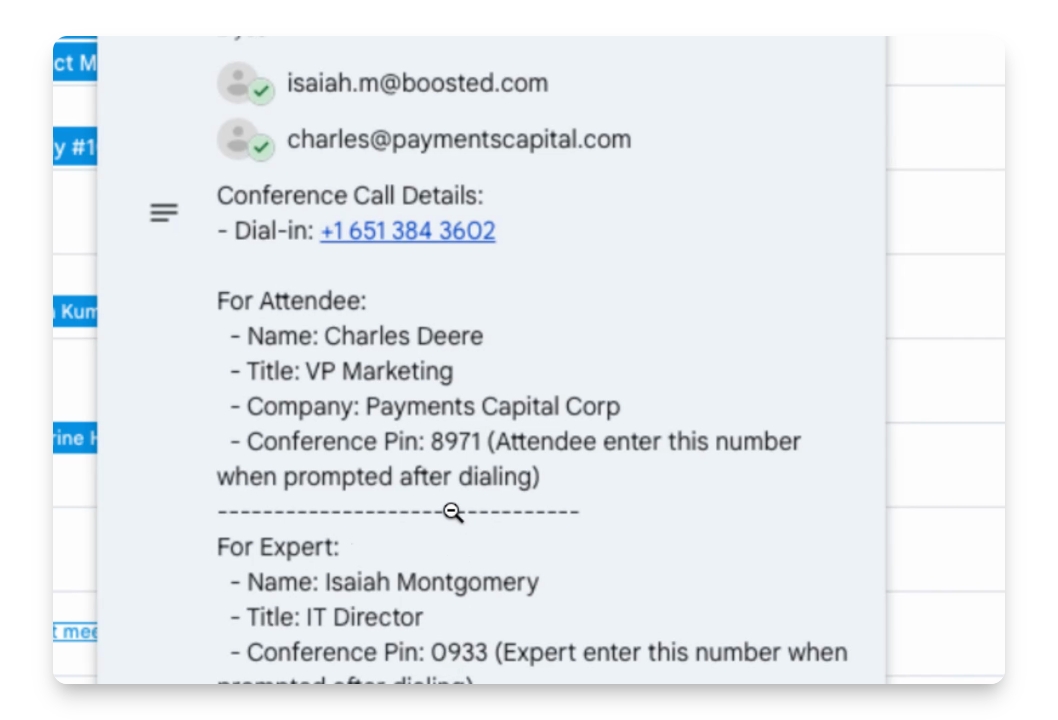

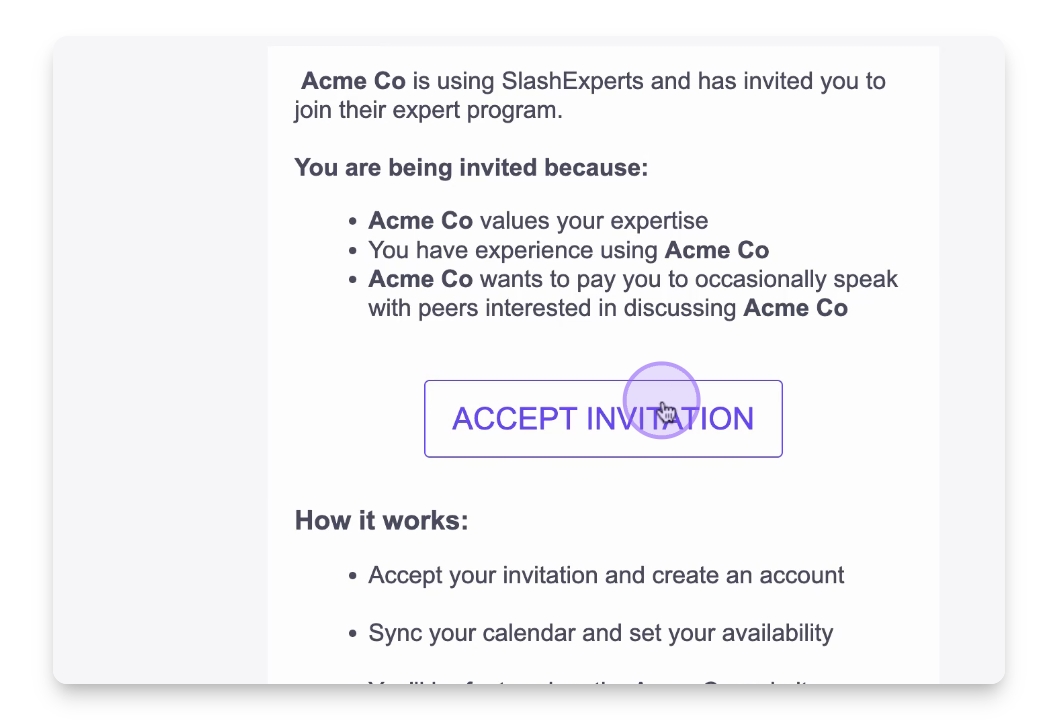
A company will send you an invitation via email. Accept the email invitation from the company. In this demo, we are accepting an invite from the company: Acme Co.
Let's Do It Together!
Step 1: Accept the Invitation
Check your email for an invitation from Acmeco.
Click on the invitation link to accept it.
Step 2: Sign In
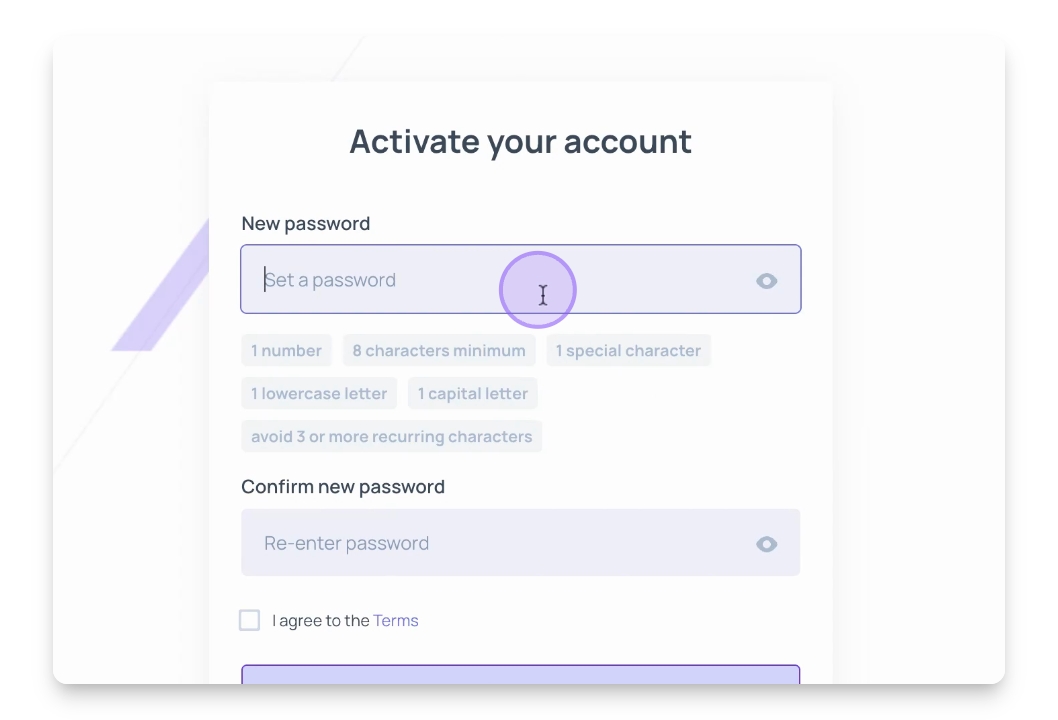
Create a new account using your email and password.
Alternatively, sign in using Google or Microsoft.
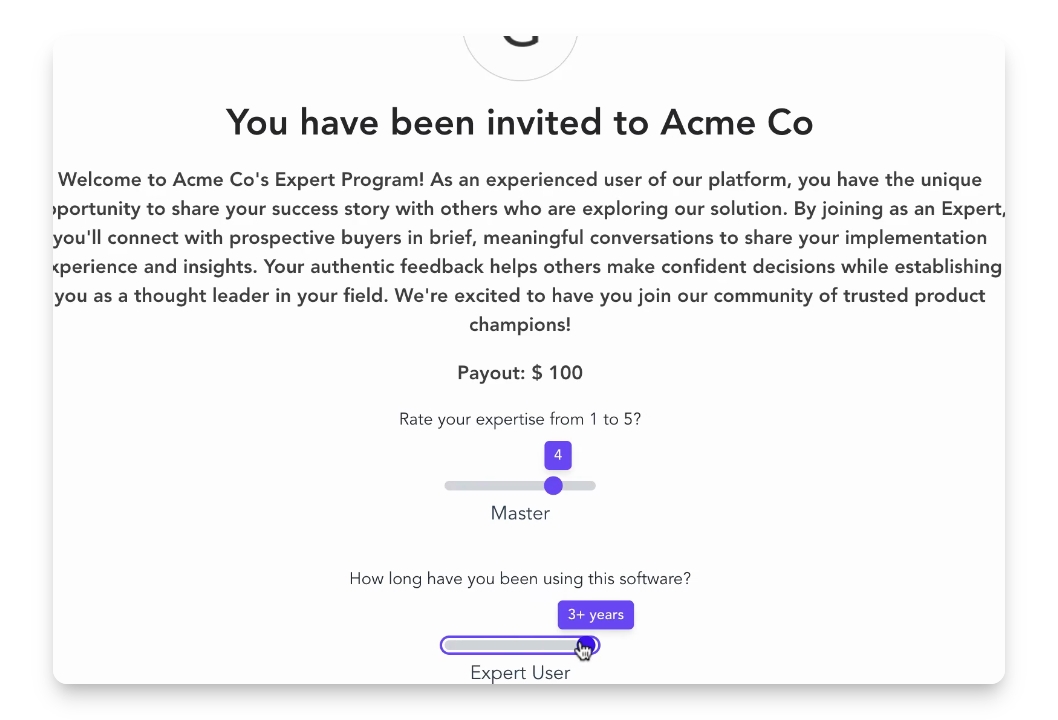
Step 3: Set Your Expertise Level
On the welcome screen, adjust the sliders for your expertise level and software experience.
Select custom tags related to your use case and industry.
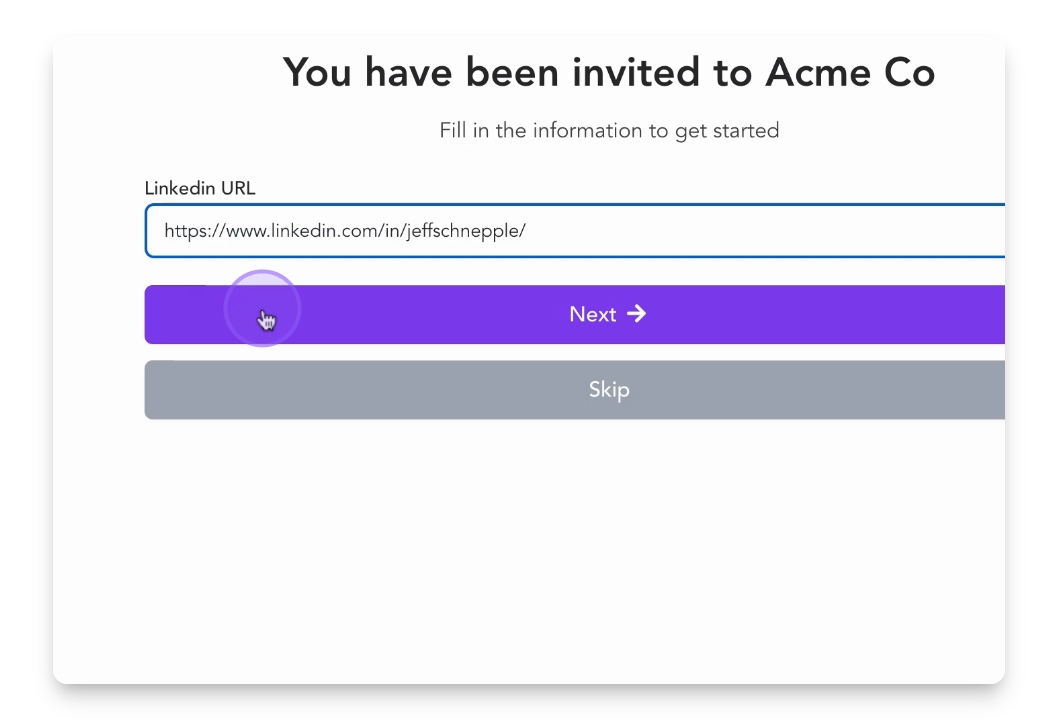
Step 4: Add Your LinkedIn Profile
Paste your LinkedIn URL to include your profile.
This step is optional but recommended to build trust with prospects.
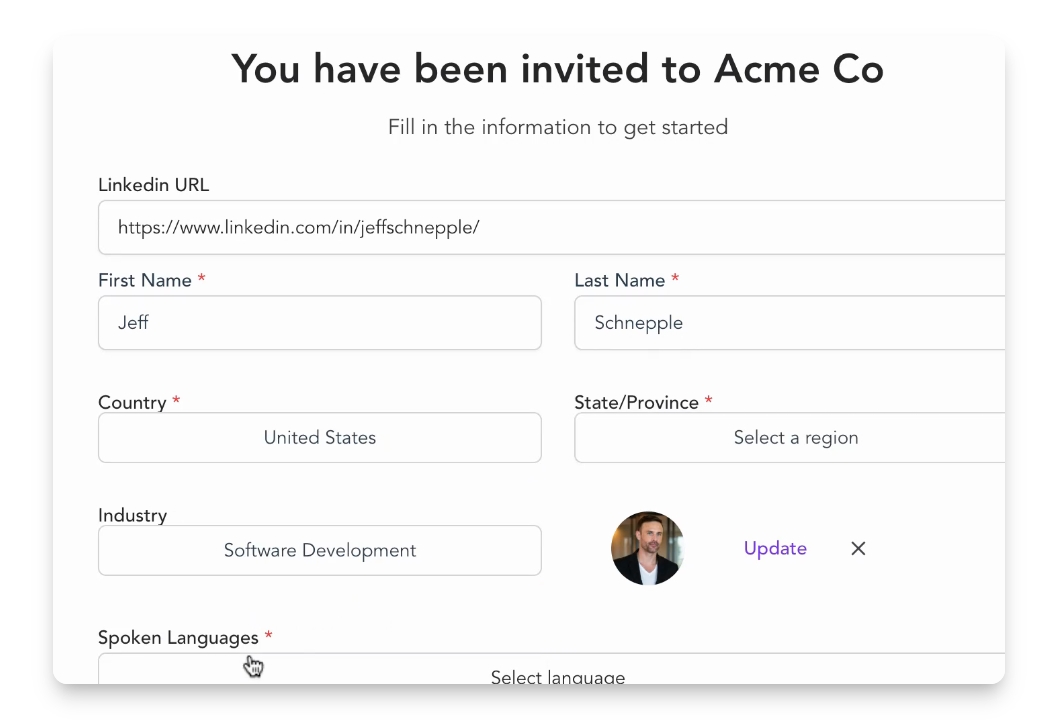
Step 5: Complete Your Profile
Adjust pre-filled details such as location, company, and industry.
Include your phone number for connecting with prospects.
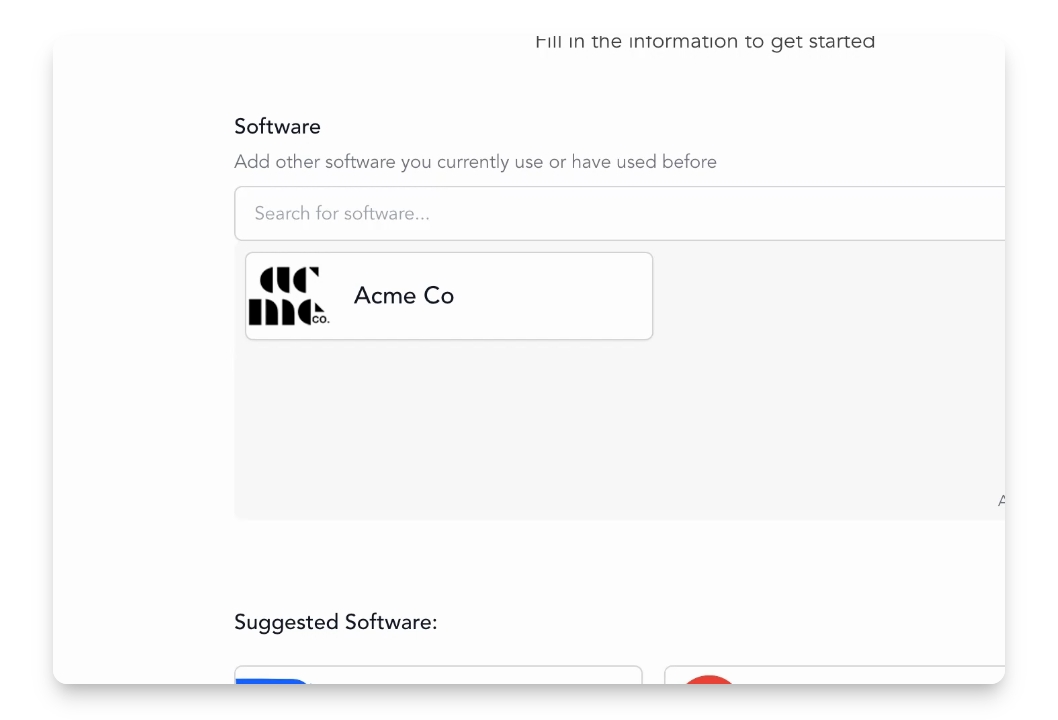
Step 6: Add Additional Software Expertise
(optional) Select additional platforms you have experience with.
Share relevant experience to enhance conversations.
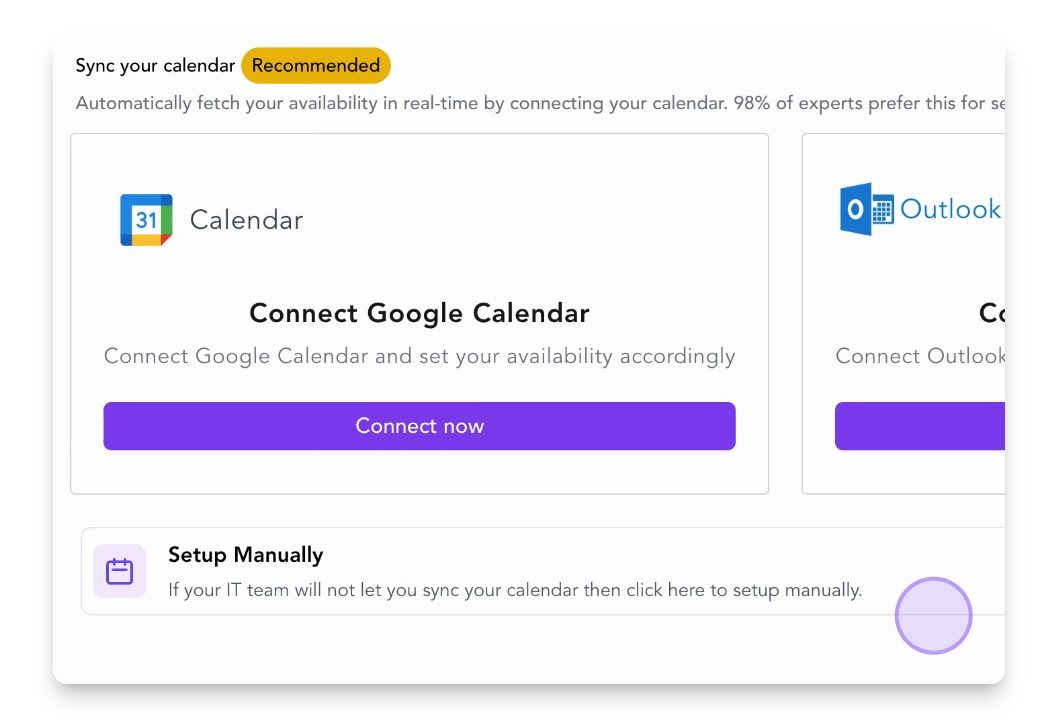
Step 7: Set Your Availability
Connect your Google or Outlook calendar to manage availability.
Alternatively, use the time block feature by clicking Setup Manually to set aside a preferred weekly time slot.
Step 8: What to Expect
You will receive a calendar invitation when a prospect books a call.
It includes the prospect's name, company, and call time.
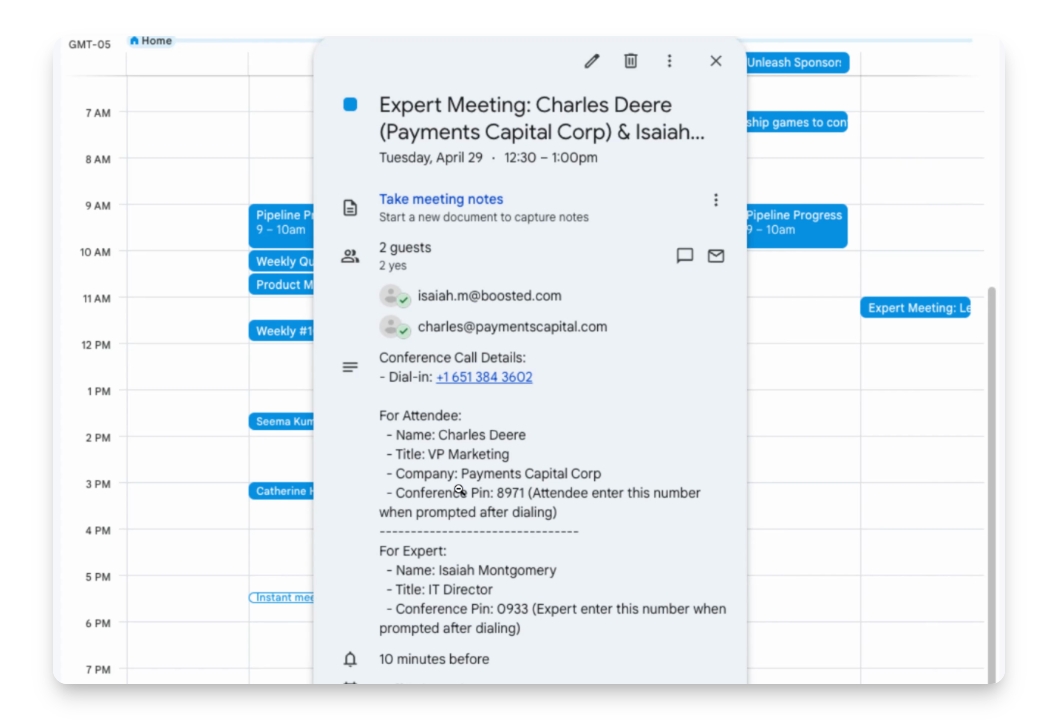
Step 9: Join the Call
Dial the conference call line and enter the expert PIN to connect.