

Let's do it together!
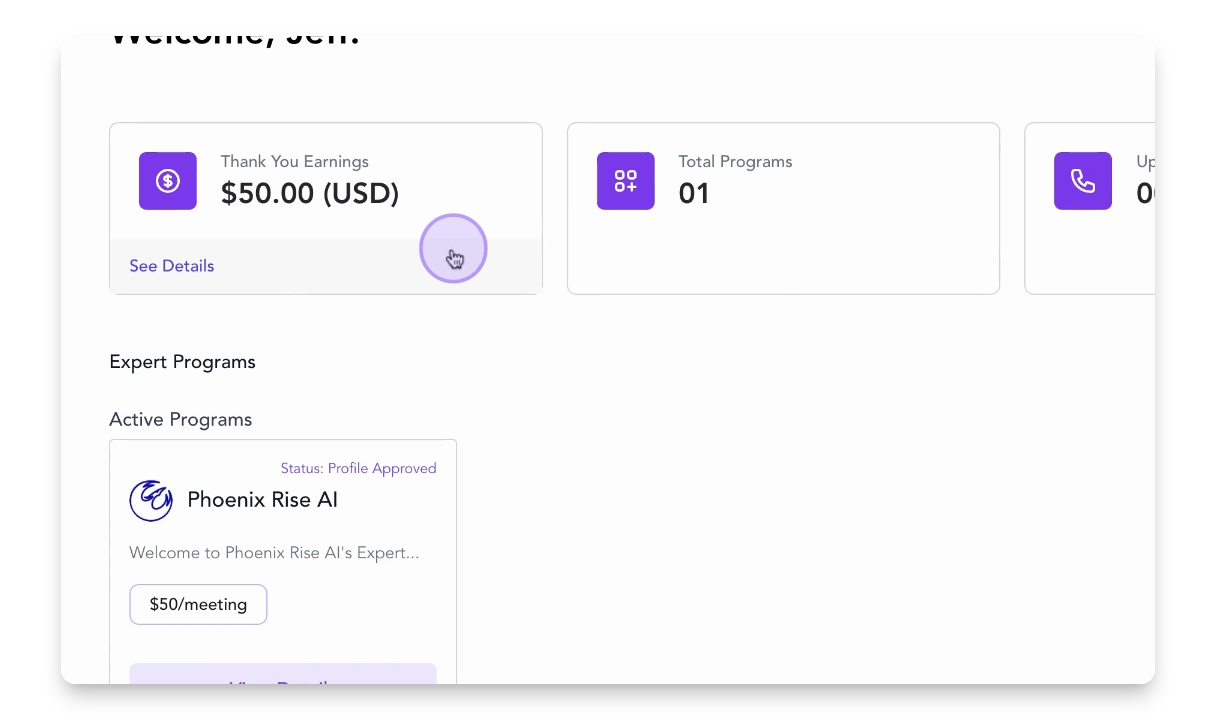
Step 1: Access Earnings Page
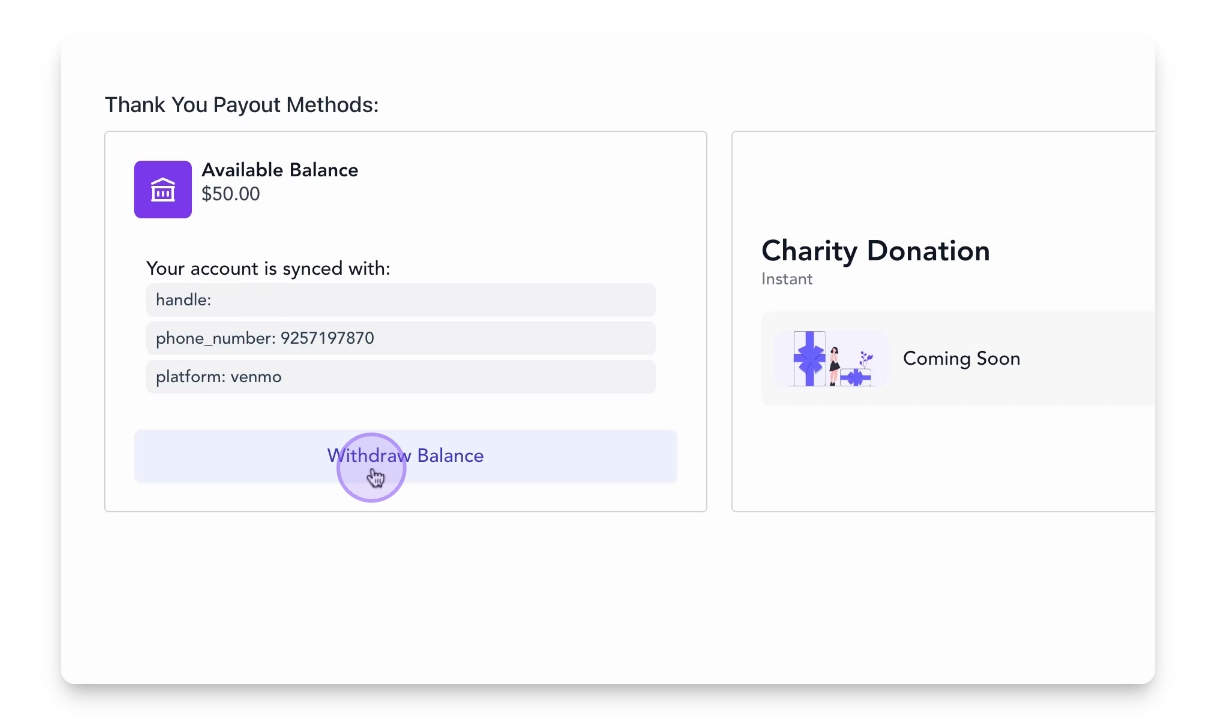
Log into your Slash Experts account and navigate to the thank you earnings page to view your available balance.
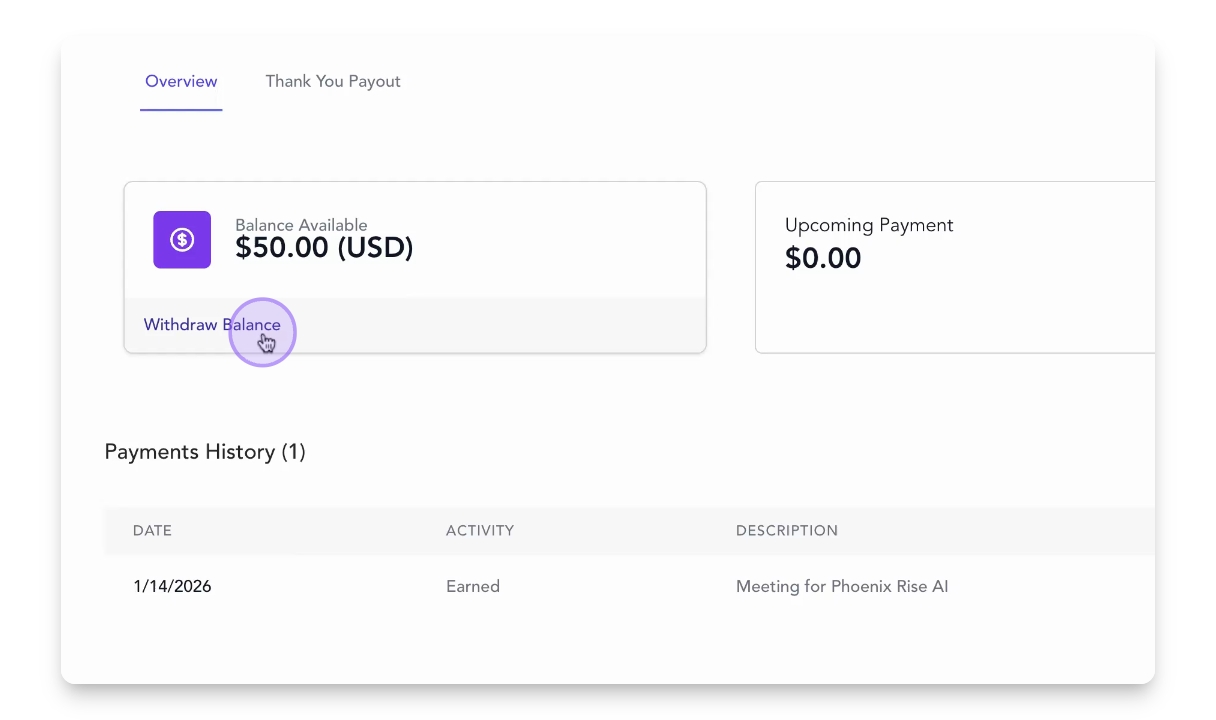
Step 2: Initiate Withdrawal
Click on the Withdraw Balance link to start the withdrawal process.
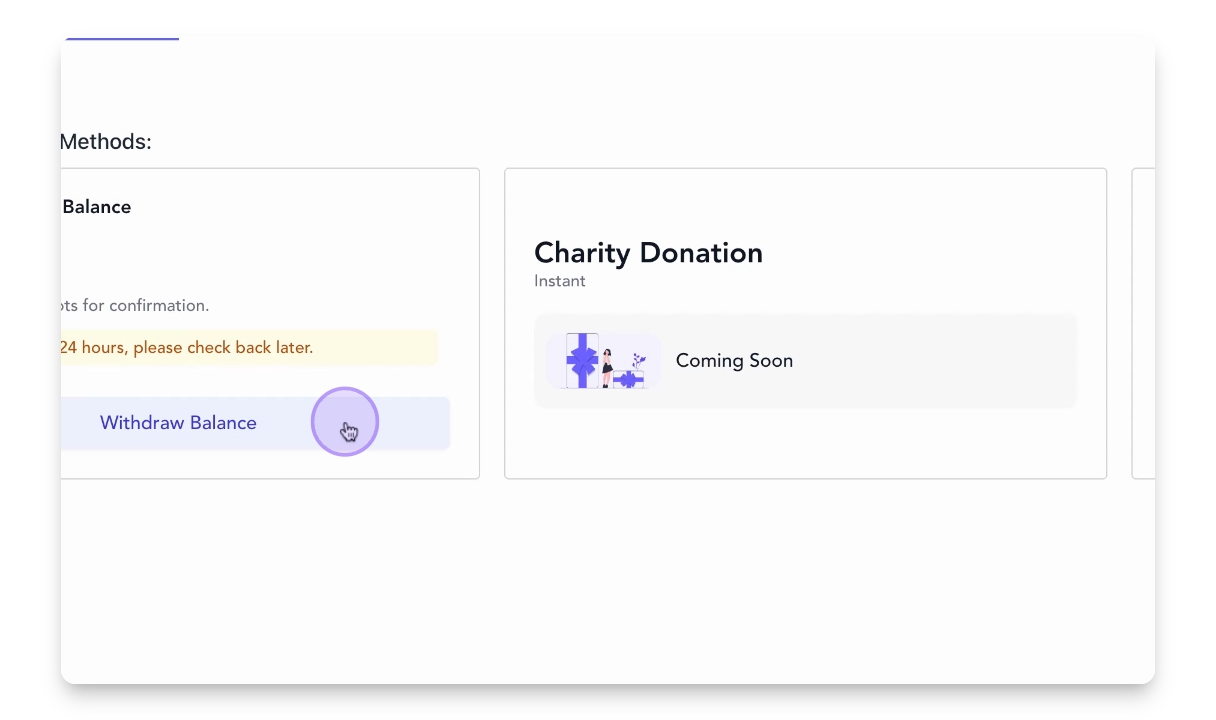
Step 3: Proceed to Partner
Click the Withdraw Balance button to be redirected to our payment partner, DOT.
Step 4: Confirm Phone Number
Confirm your phone number for verification.
Step 5: Complete Captcha
Answer the captcha to proceed with the withdrawal.
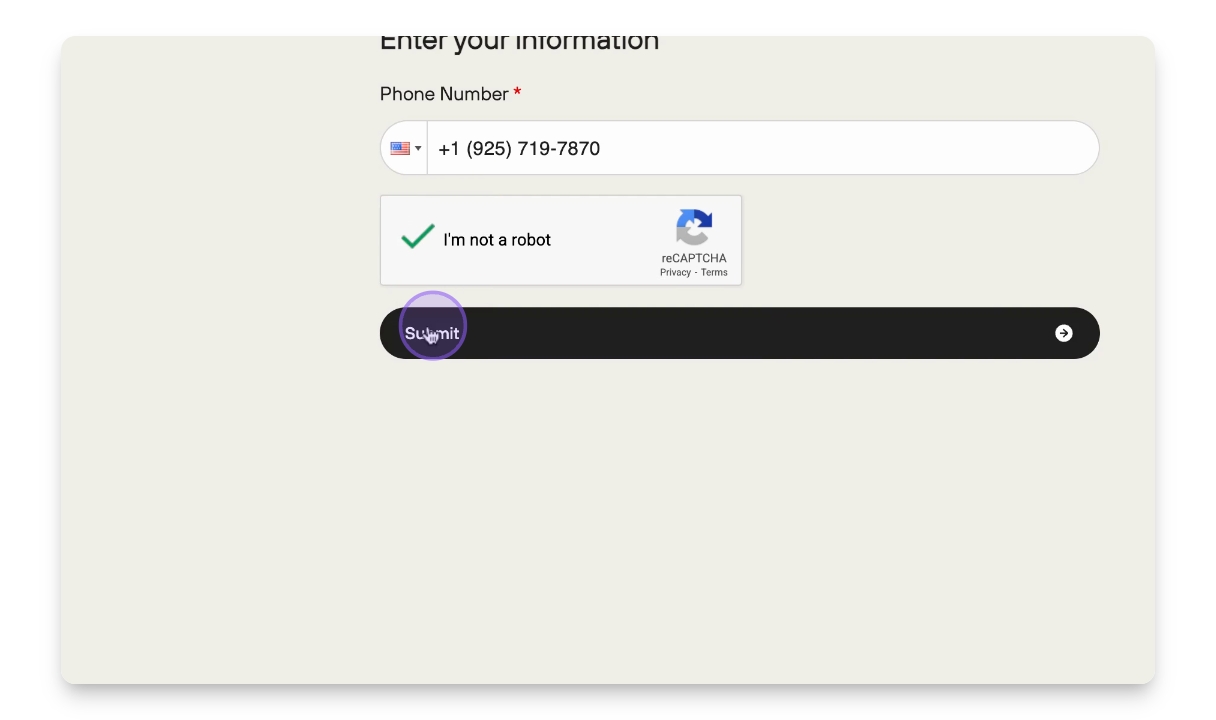
Step 6: Submit Request
Click the Submit button to continue.
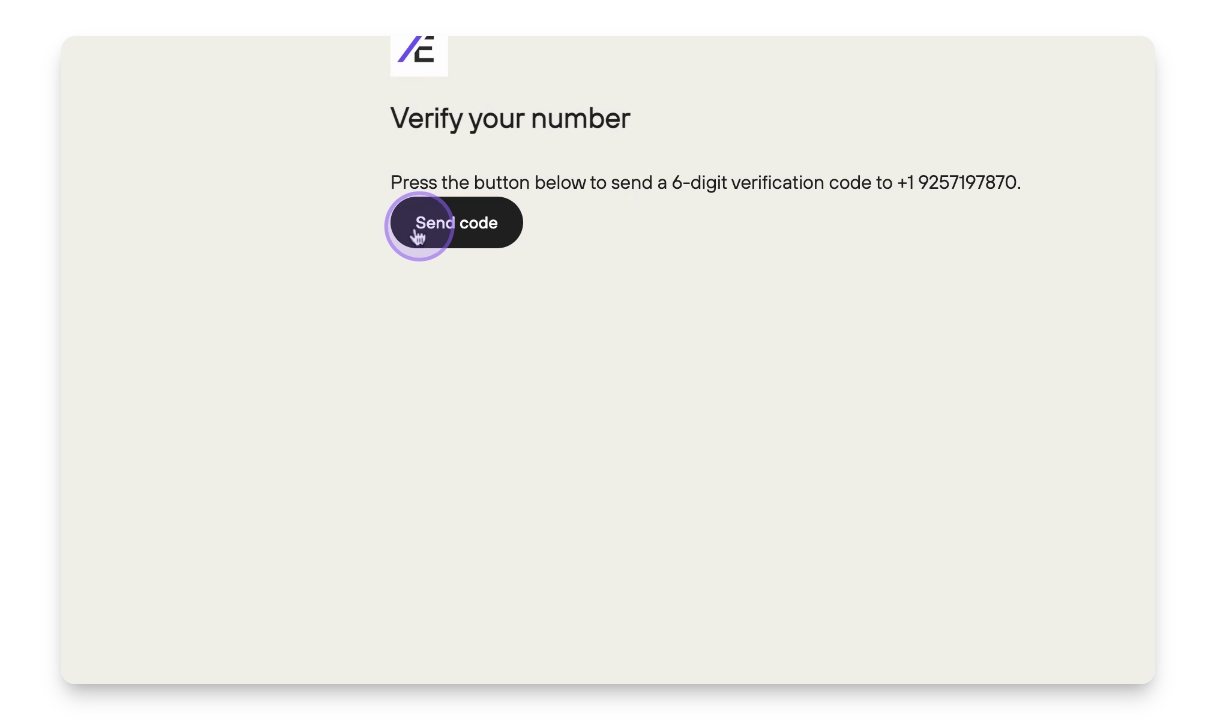
Step 7: Enter Verification Code
Provide the verification code sent to your confirmed phone number.
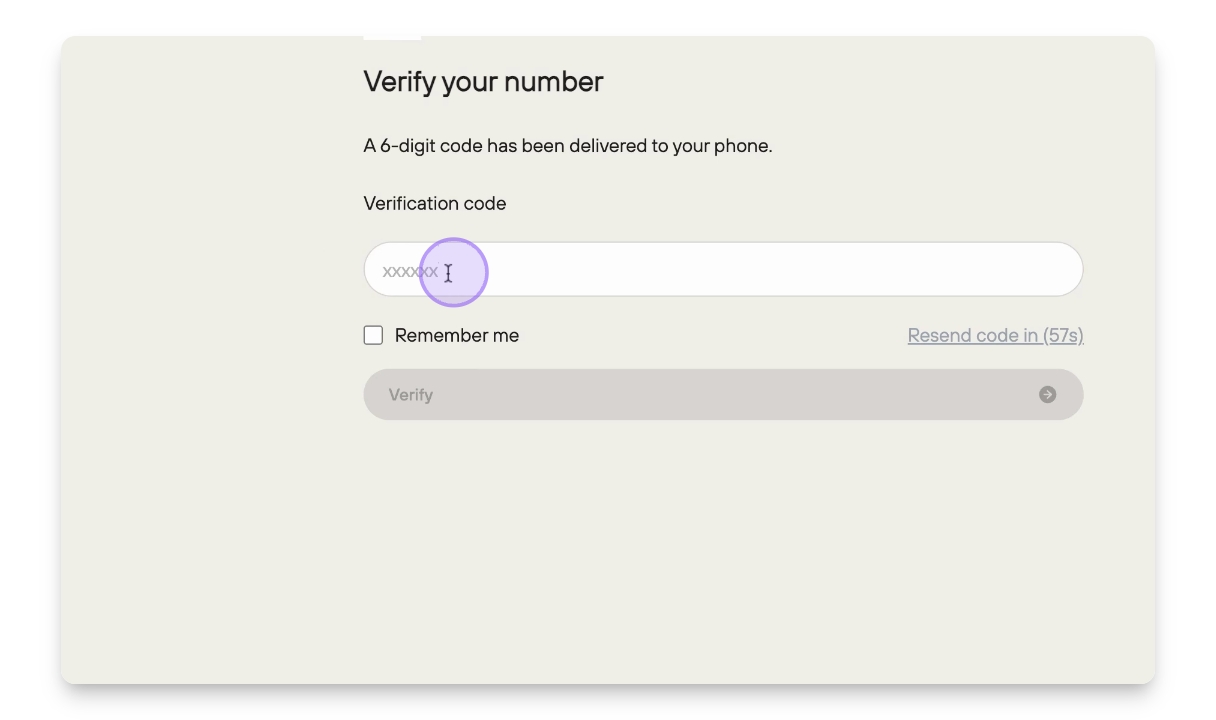
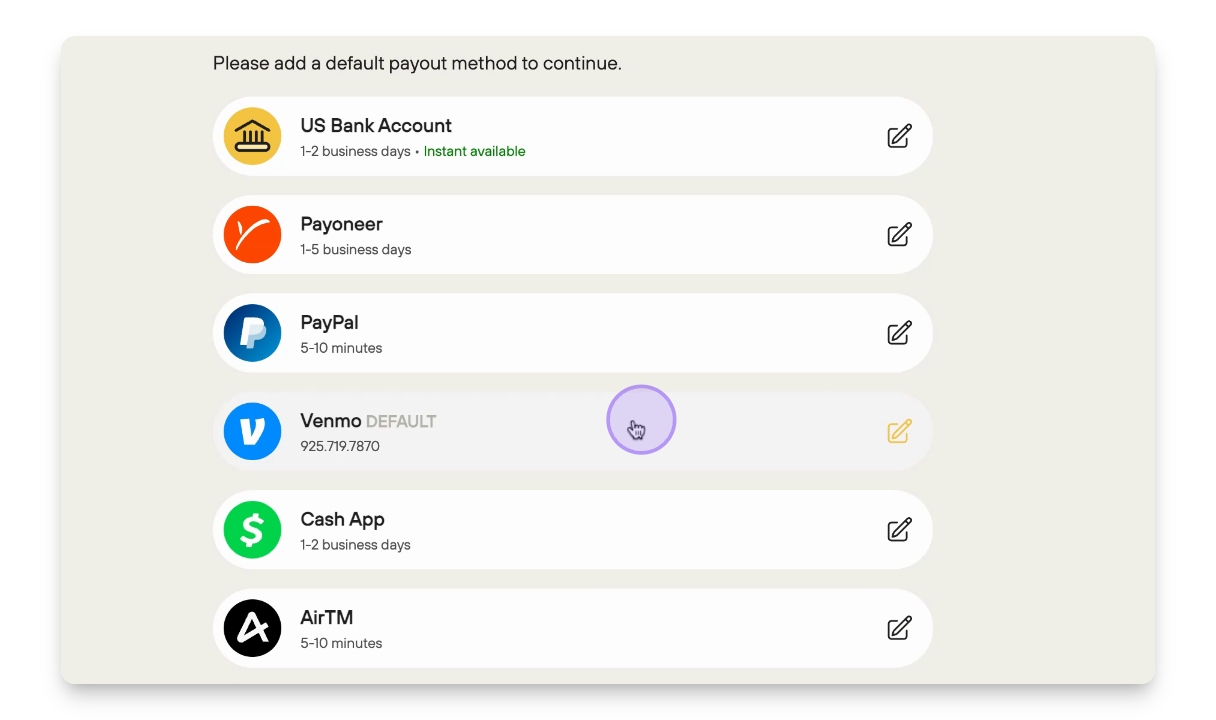
Step 8: Choose Payout Method
Select your preferred payout method from options like US Bank Account, Payoneer, PayPal, Venmo, Cash App, or AirTM.
Step 9: Set Up Venmo
For this example, select Venmo and enter either the Venmo phone number or your Venmo handle, then confirm.
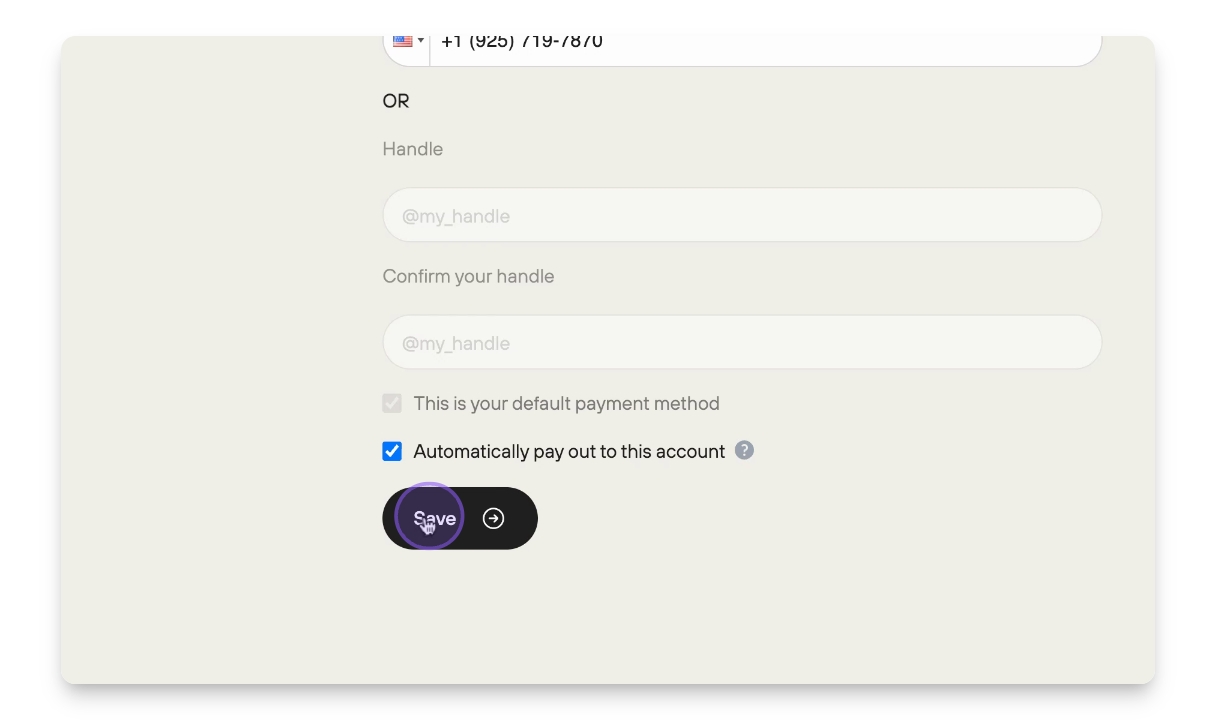
Step 10: Save Information
Hit Save to store your Venmo account details.
Step 11: Finalize Withdrawal
Click on Withdraw Balance again and enter the amount you wish to withdraw, then hit Withdraw.
Step 12: Completion Confirmation
You've successfully withdrawn your earnings through Venmo.