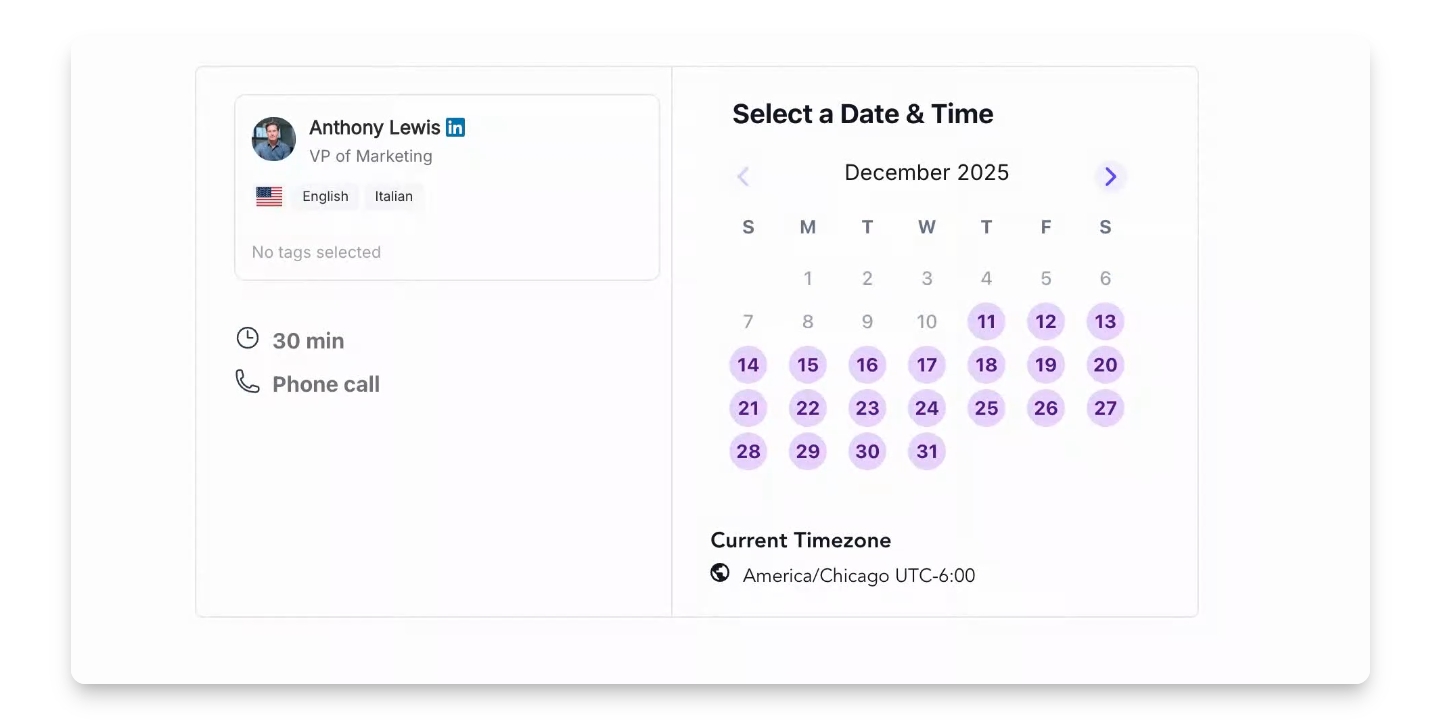

Method One: Through the SlashExperts Dashboard
Step 1: Log into Experts Dashboard
Log into the Experts Dashboard.
You are now in the Experts Dashboard.
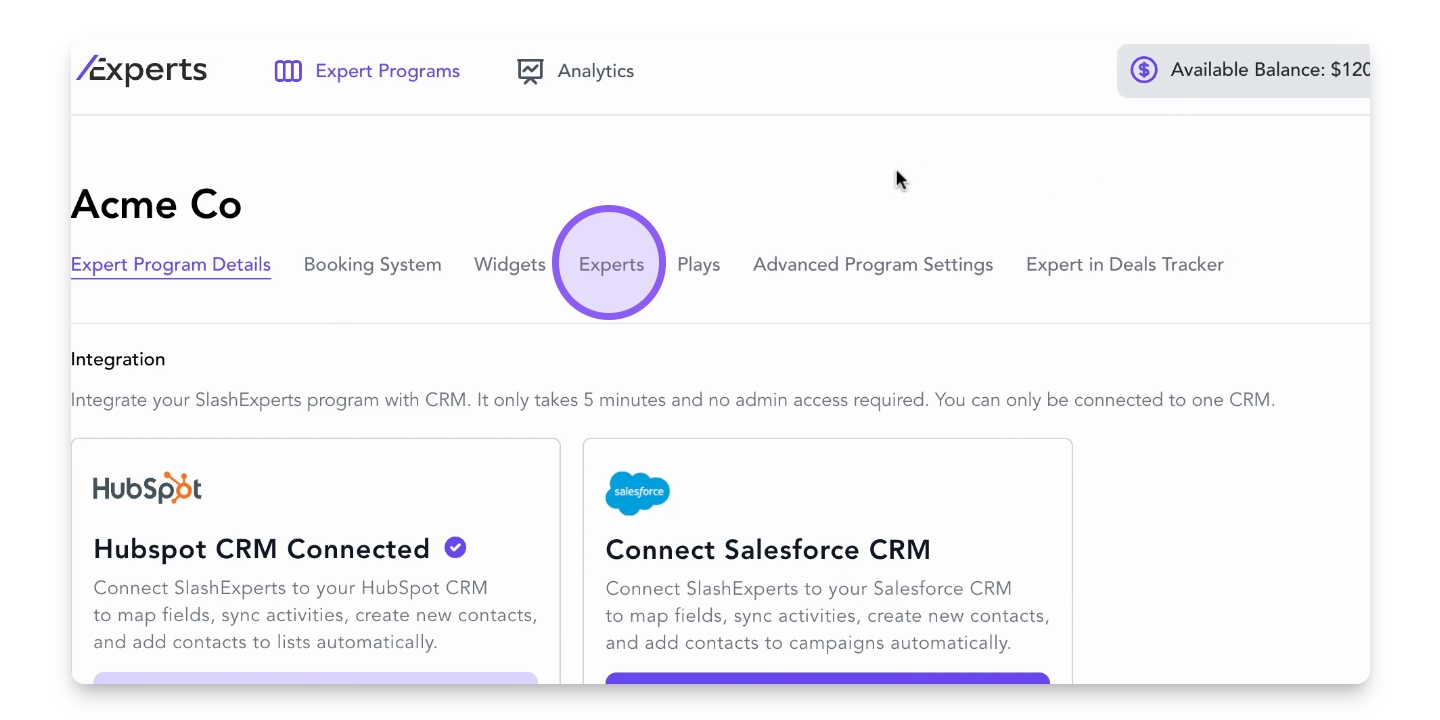
Step 2: Navigate to Experts Tab
Navigate to the Experts tab.
A list of active experts is displayed.
Step 3: Copy Booking Link
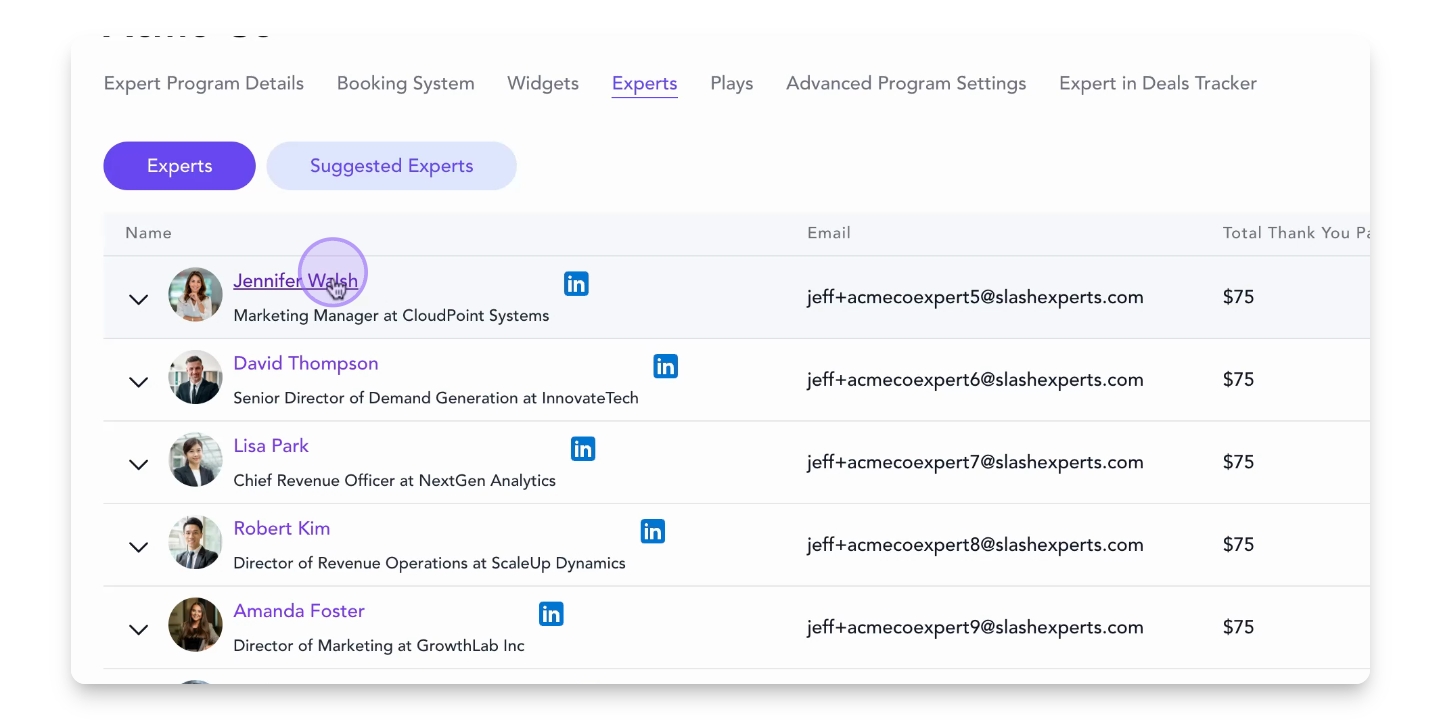
Hover over an expert's name and click Copy Link Address.
The booking link is copied to your clipboard.
Step 4: Open Expert's Profile
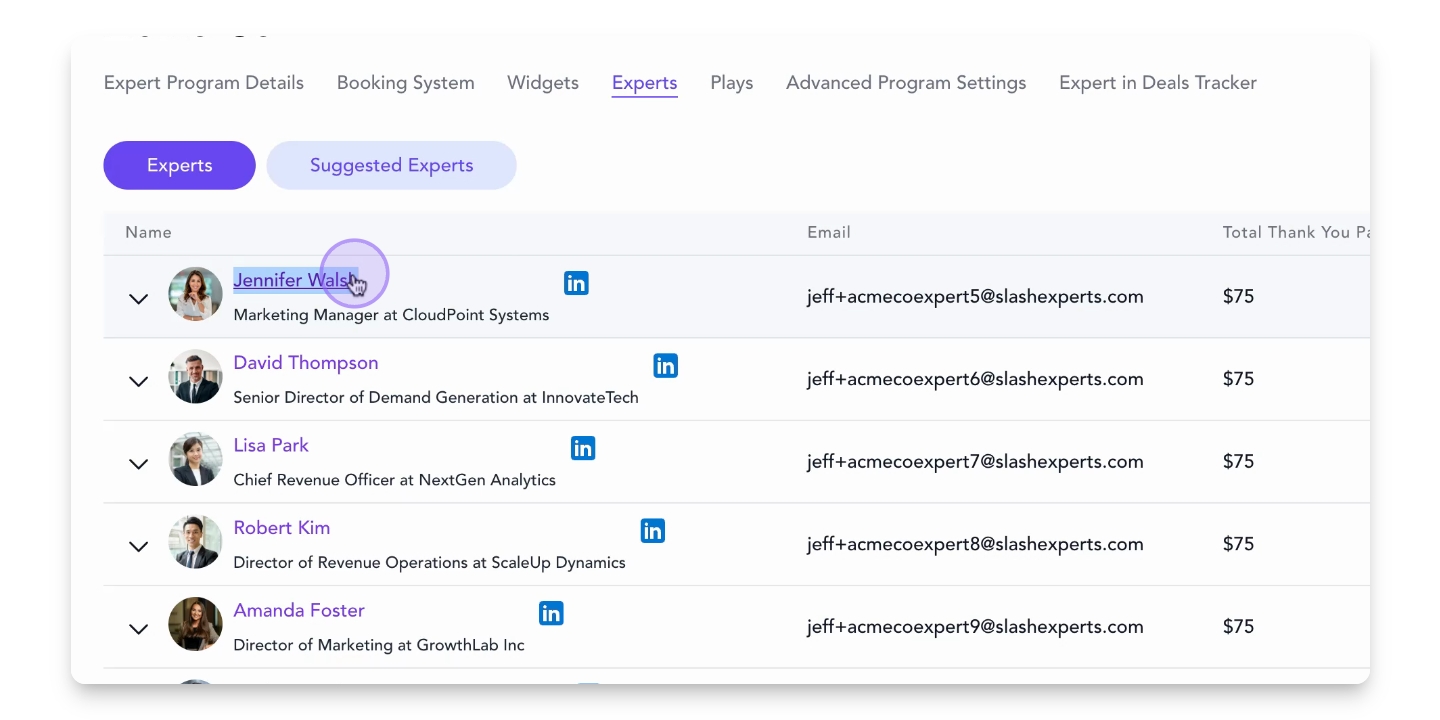
Alternatively, click the expert's name to open a new tab.
The expert's profile opens in a new tab.
Step 5: Copy URL from Address Bar
Copy the URL from the address bar.
You can now share the link with prospects.
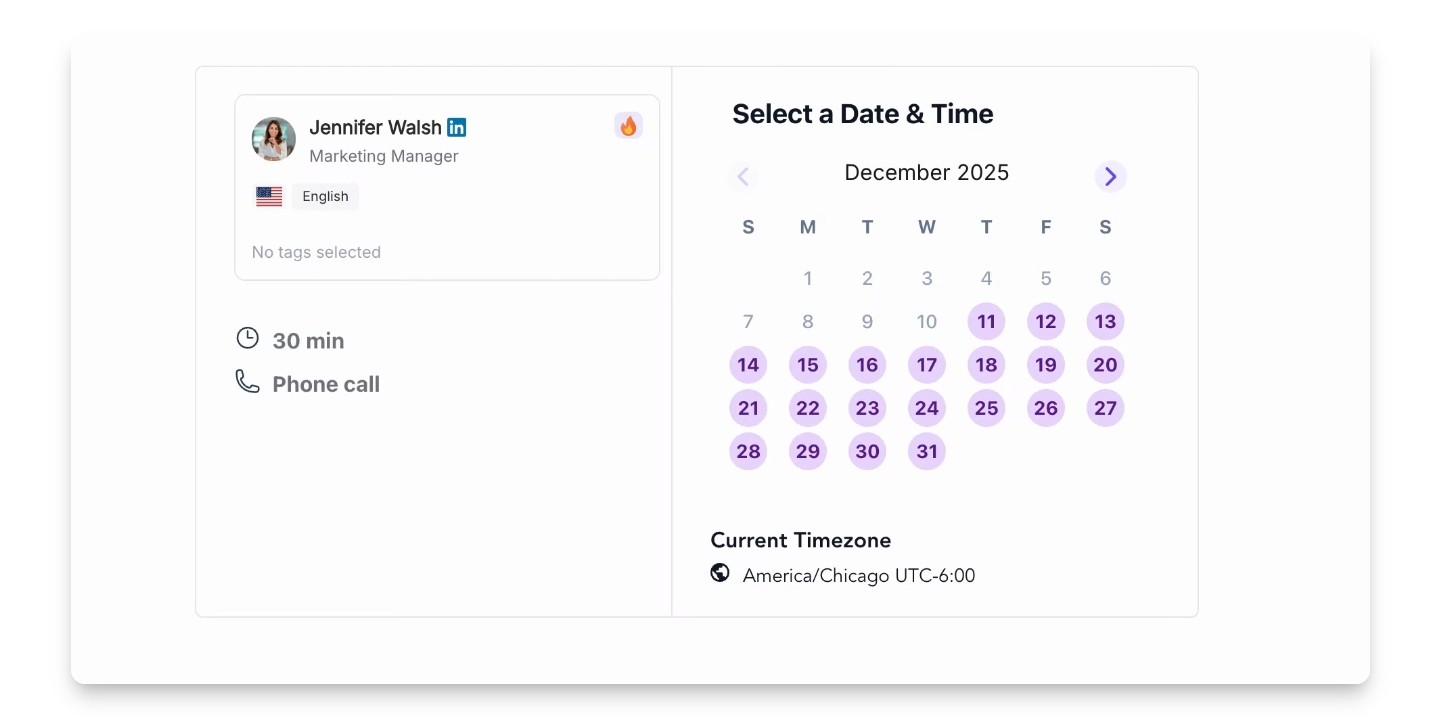
Step 6: Access Booking System on Website
Go to the page on your website where the booking system is embedded.
The booking system modal is opened.
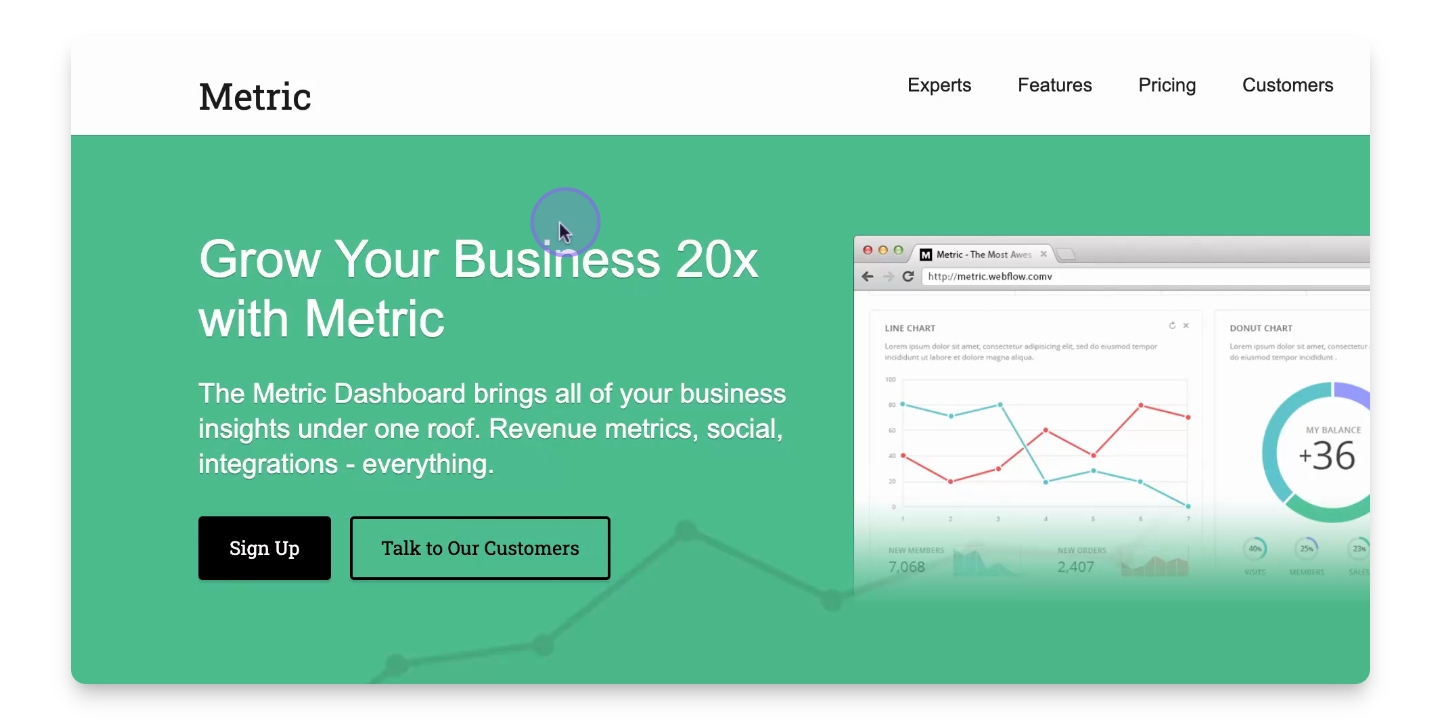
Step 7: Open Modal Window
Open the modal window containing the booking system.
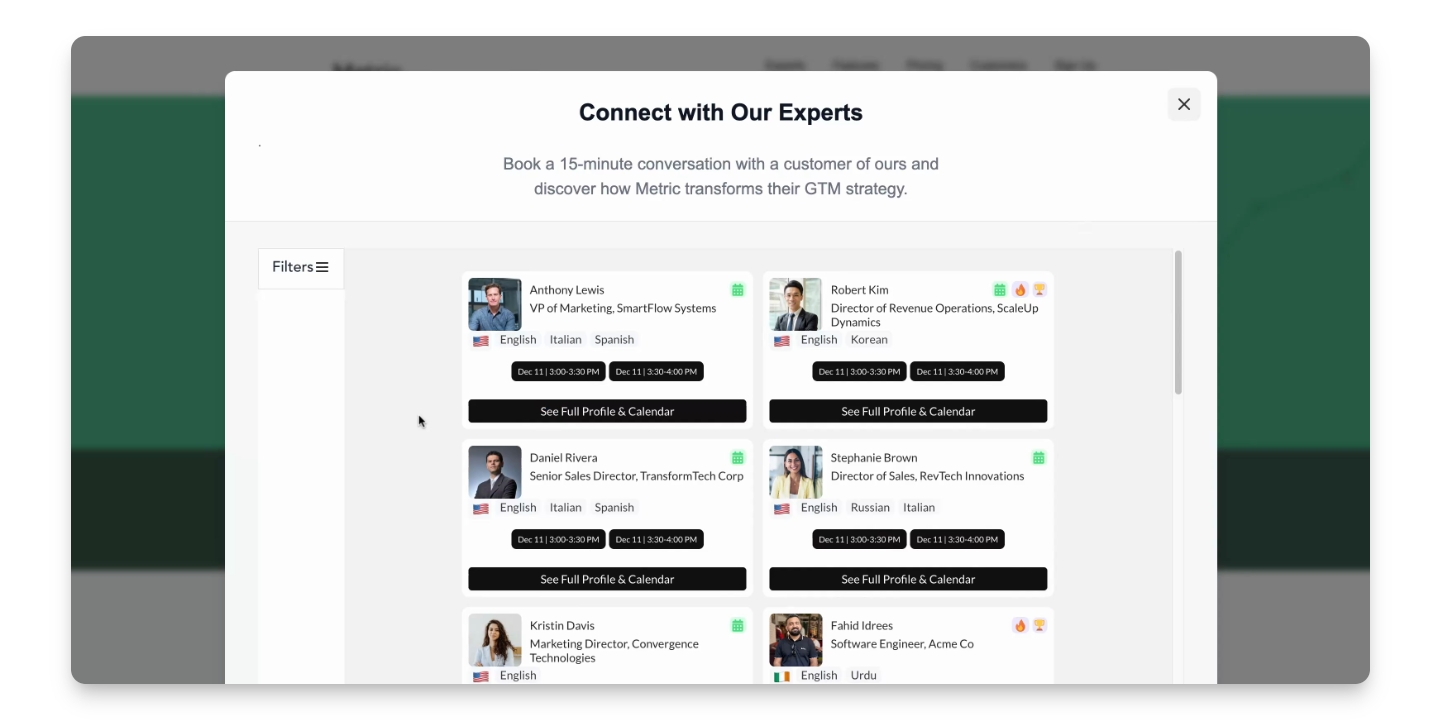
Step 8: Copy Link Address
Right-click the See Full Profile and Calendar button and select Copy Link Address.
The link address is now copied.
Step 9: Click to Open Profile
Alternatively, click the See Full Profile and Calendar button.
The expert's full profile is displayed.
Step 10: Copy URL from Address Bar
Copy the URL from the address bar to share.
You can now distribute the booking link.