

This tutorial will guide you through the process of copying the widget code after setting it up.
On this page, you will find the Widget Code section.
To copy the code, simply click the Copy Code button on the right.
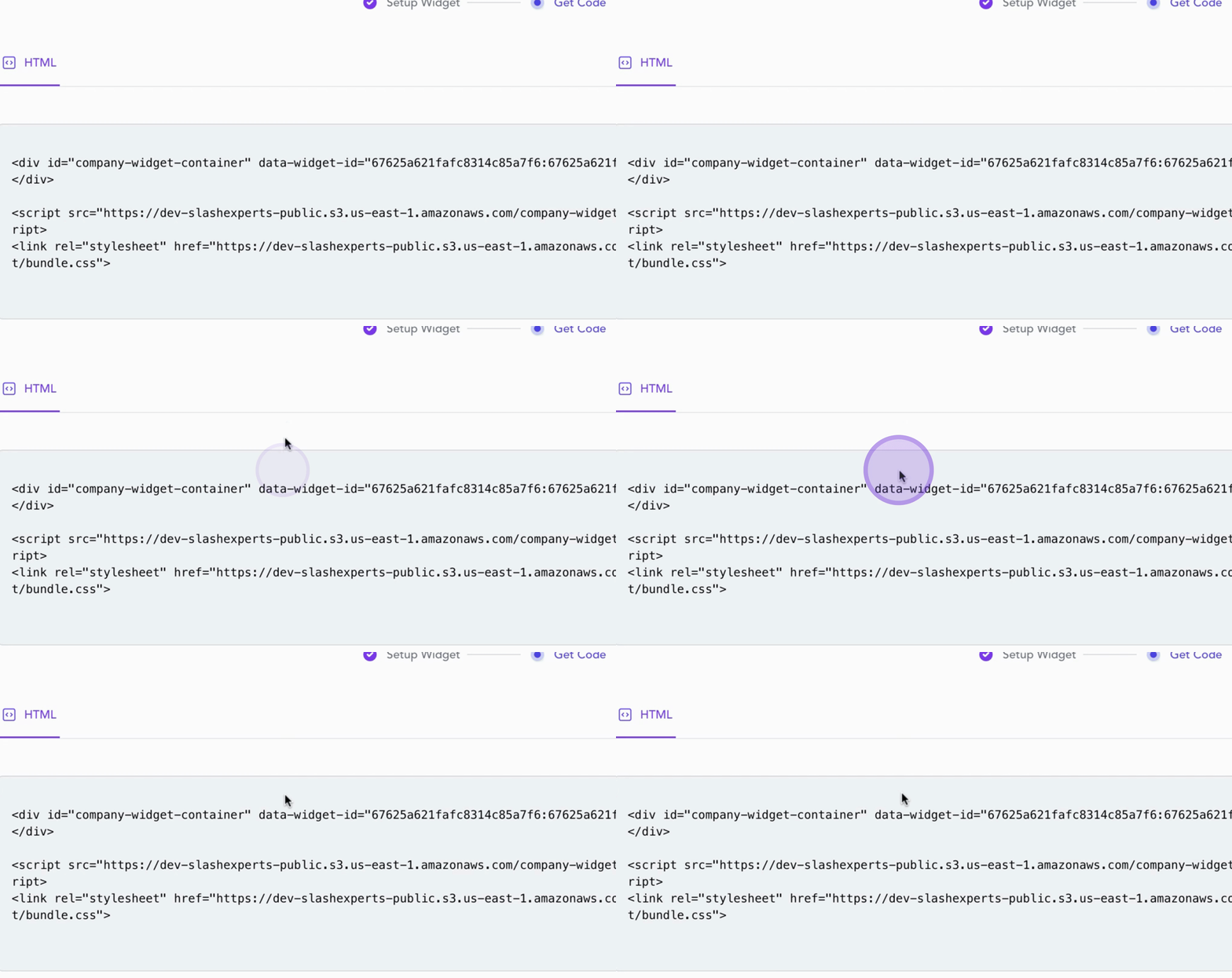
Next, paste the copied code into a text editor to share it with your web developer.
After the signup process is complete, all code snippets will be accessible to you from your Slash Experts Dashboard.
Detailed instructions will be provided to your web developer on how to integrate the code into your website.
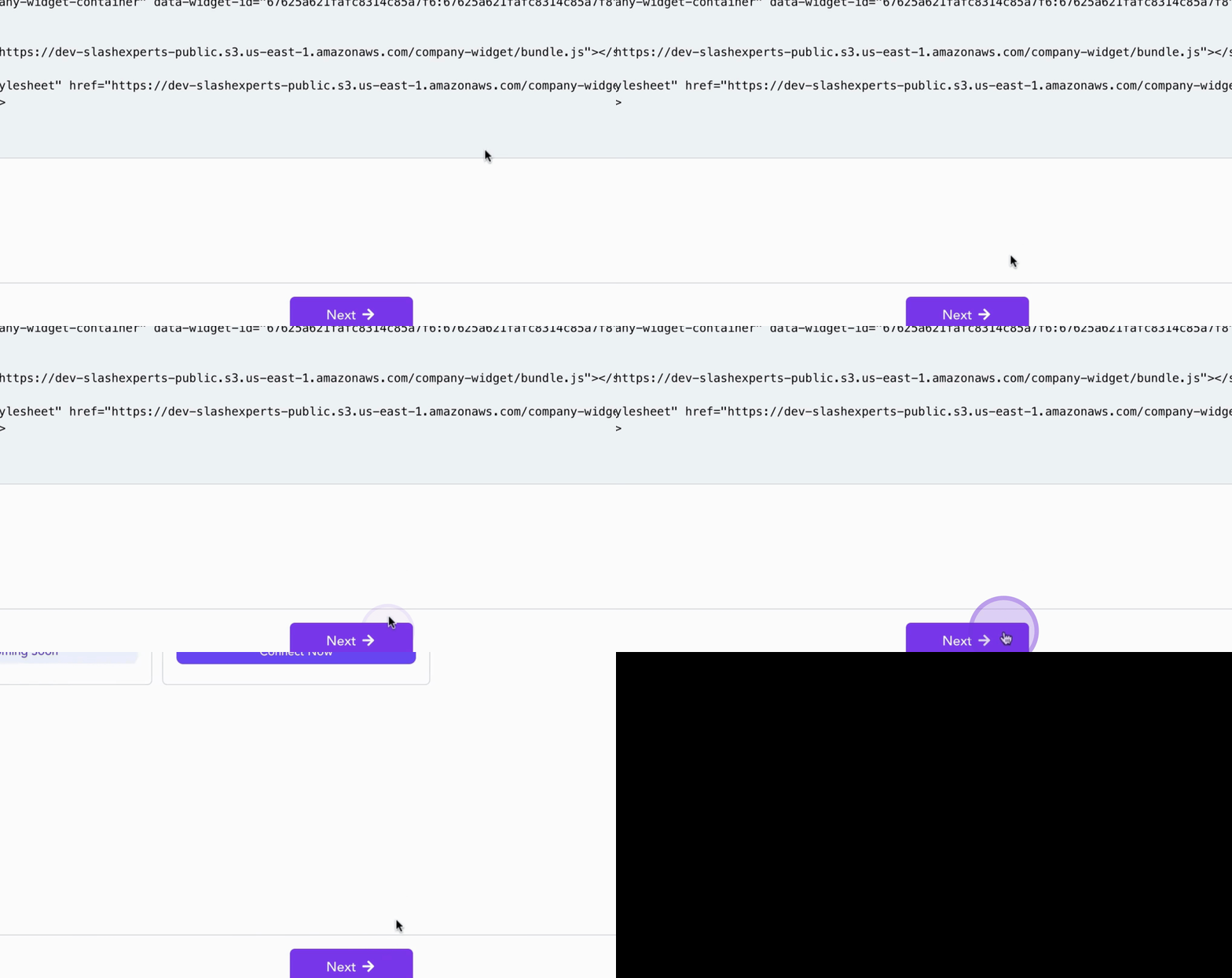
In the next step, we will cover CRM integration to connect your data effortlessly.
Click Next to continue.
By following these steps, you can successfully copy and share your widget code with your web developer.