

This tutorial will guide you through the process of setting up user-friendly widgets that facilitate connections between prospects and your experts on your website.
On the right, you will find settings to customize both the Top Header Bar widget and the Corner widget.
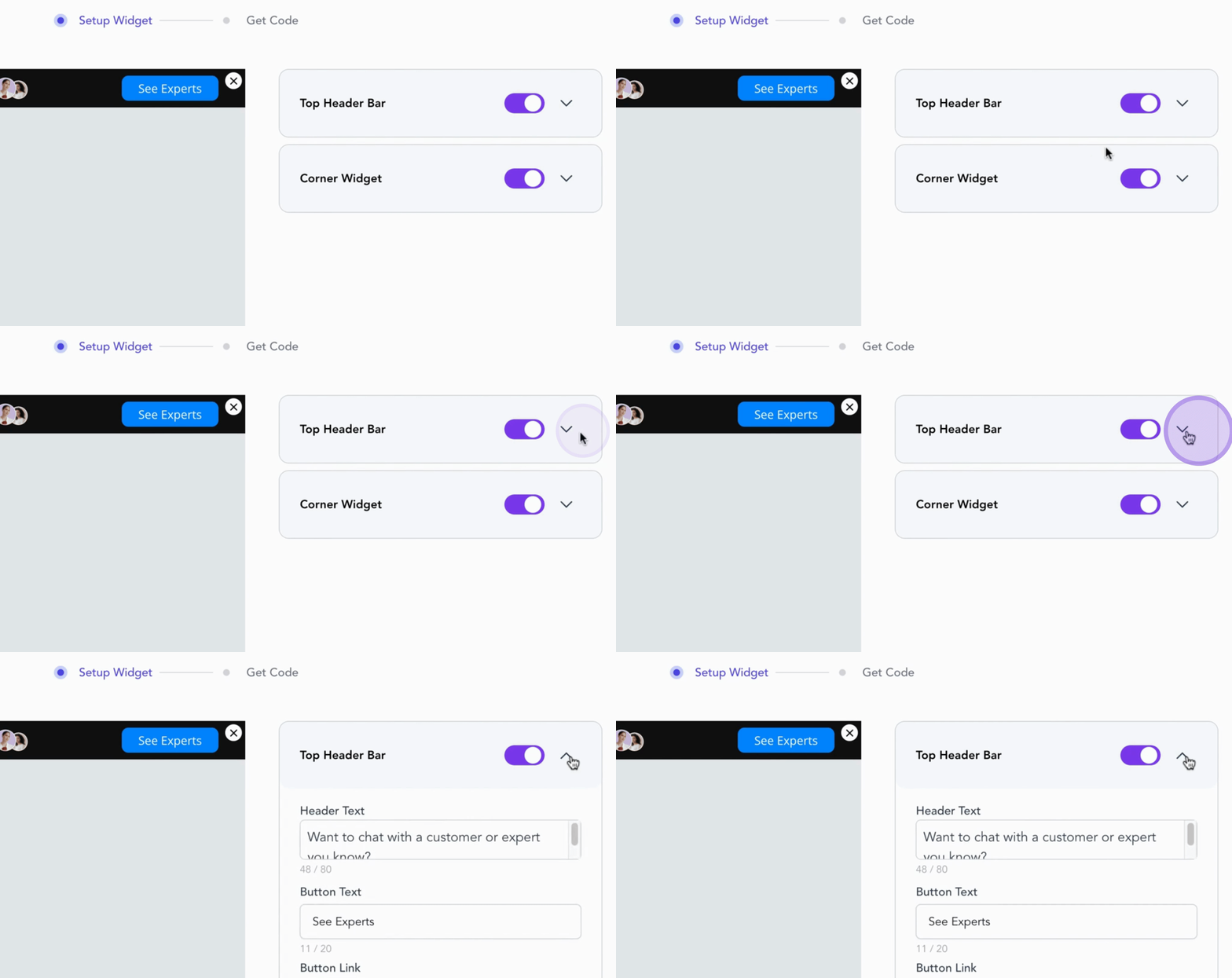
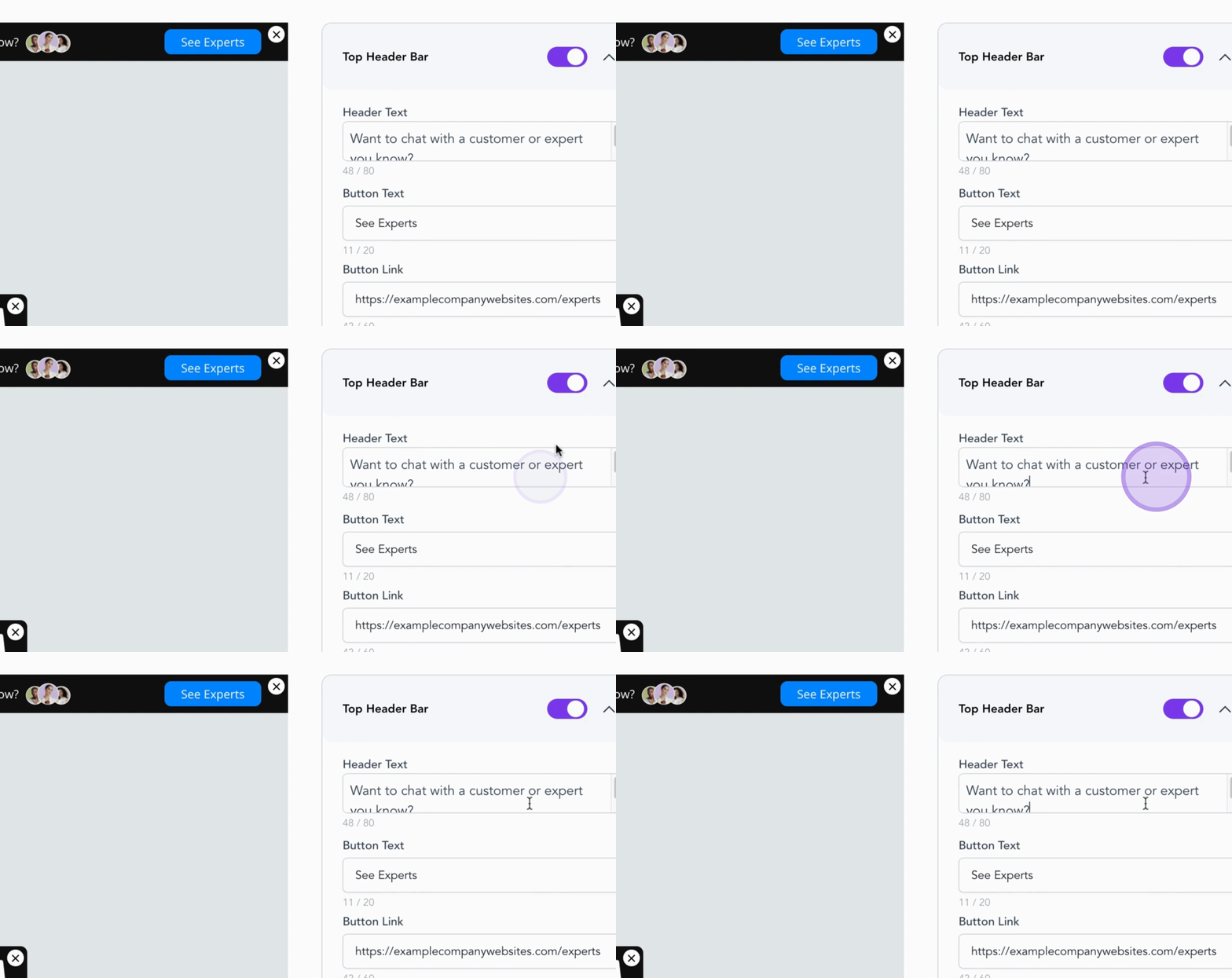
You can update the Header Text, Button Text, and the link to the Experts page where your Experts directory will reside. This is usually your company website followed by Experts.
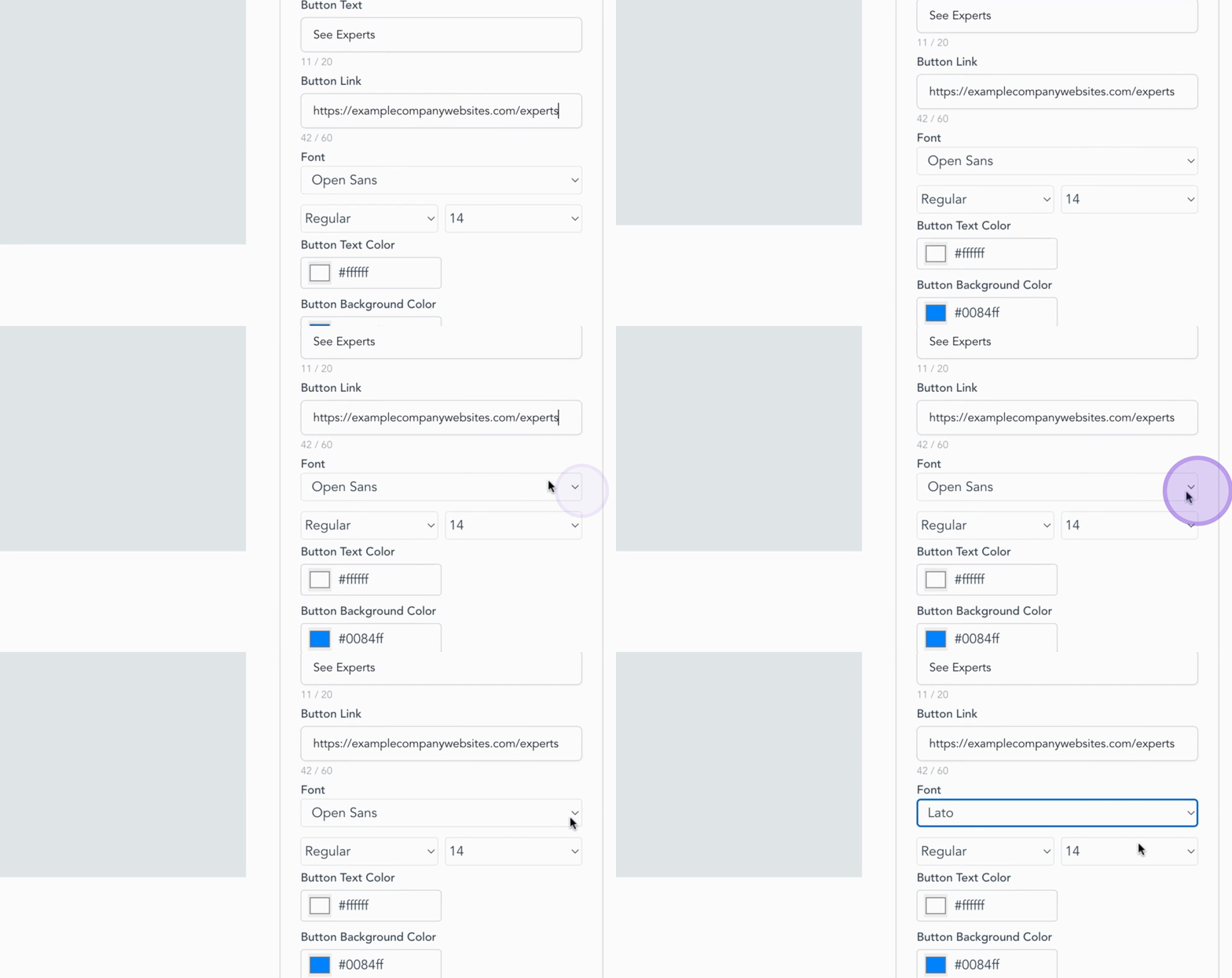
You also have full control over the look and feel of the widgets. Adjust fonts, button colors, and background styles to ensure they seamlessly match your brand's design.
Next, let's customize the Corner Widget text to create a welcoming message that encourages visitors to chat with your experts.
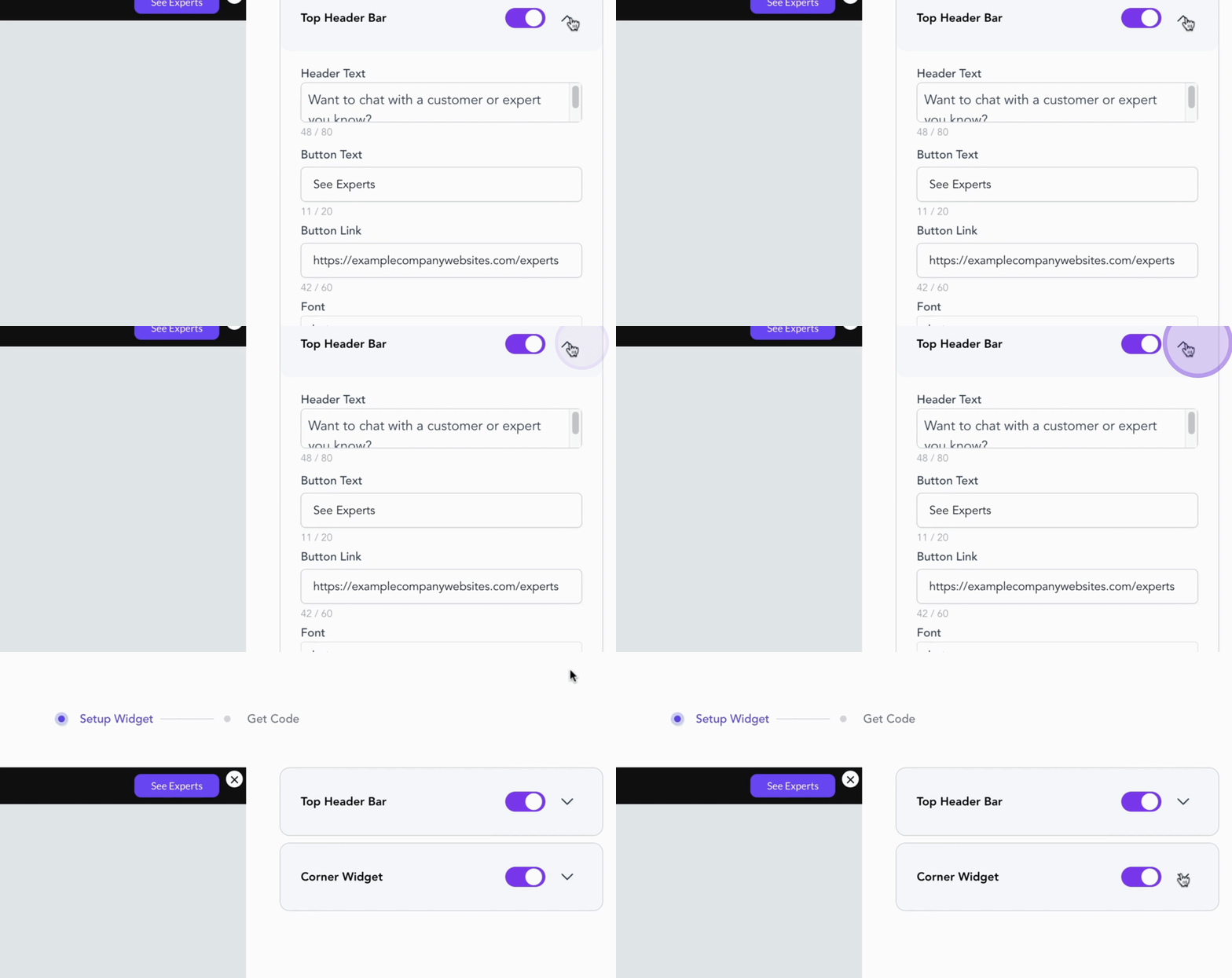
As you make changes, the preview updates in real time, allowing you to see exactly how the widget will appear to your website visitors.
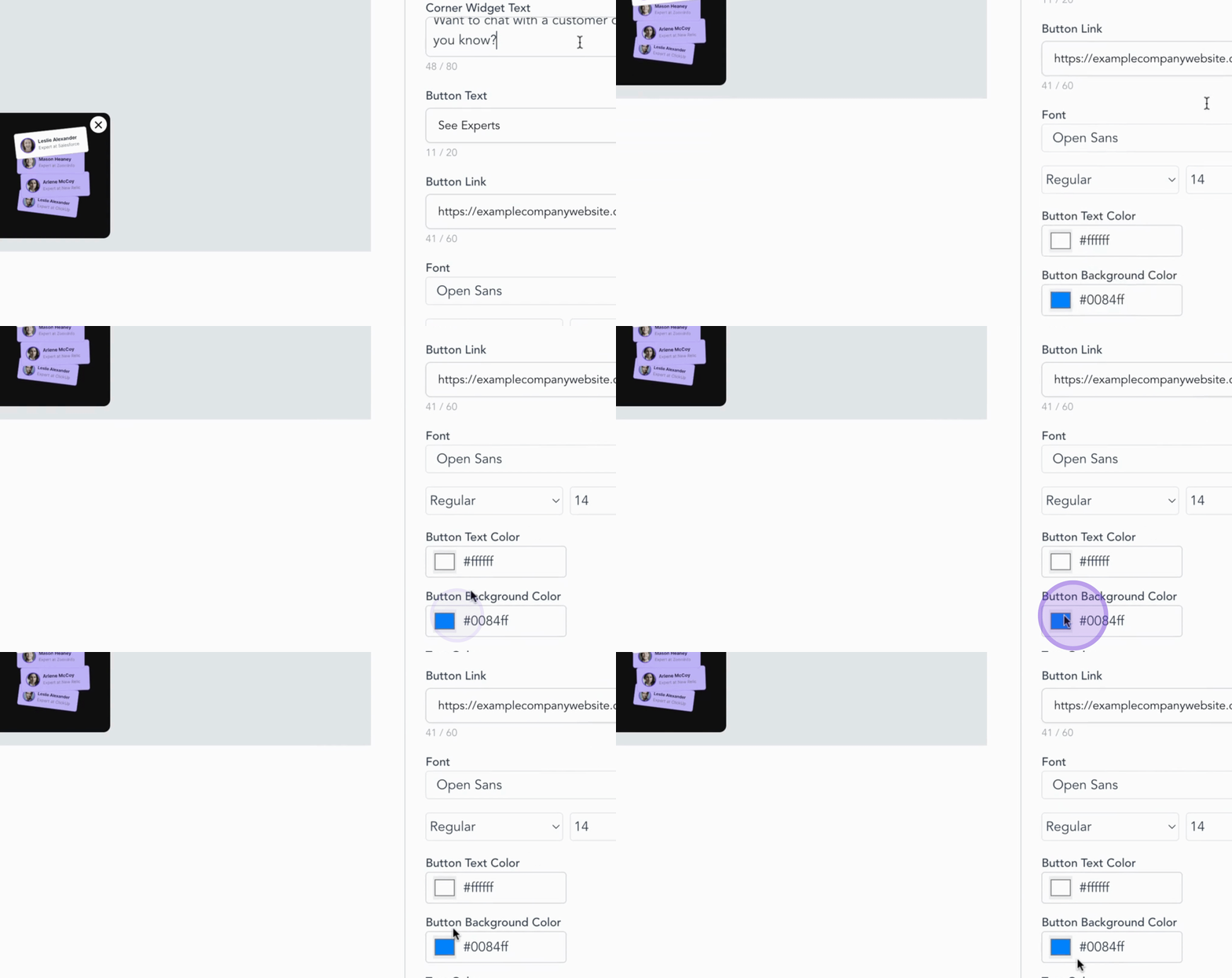
This widget is a simple yet powerful way to connect prospects with your expert team.
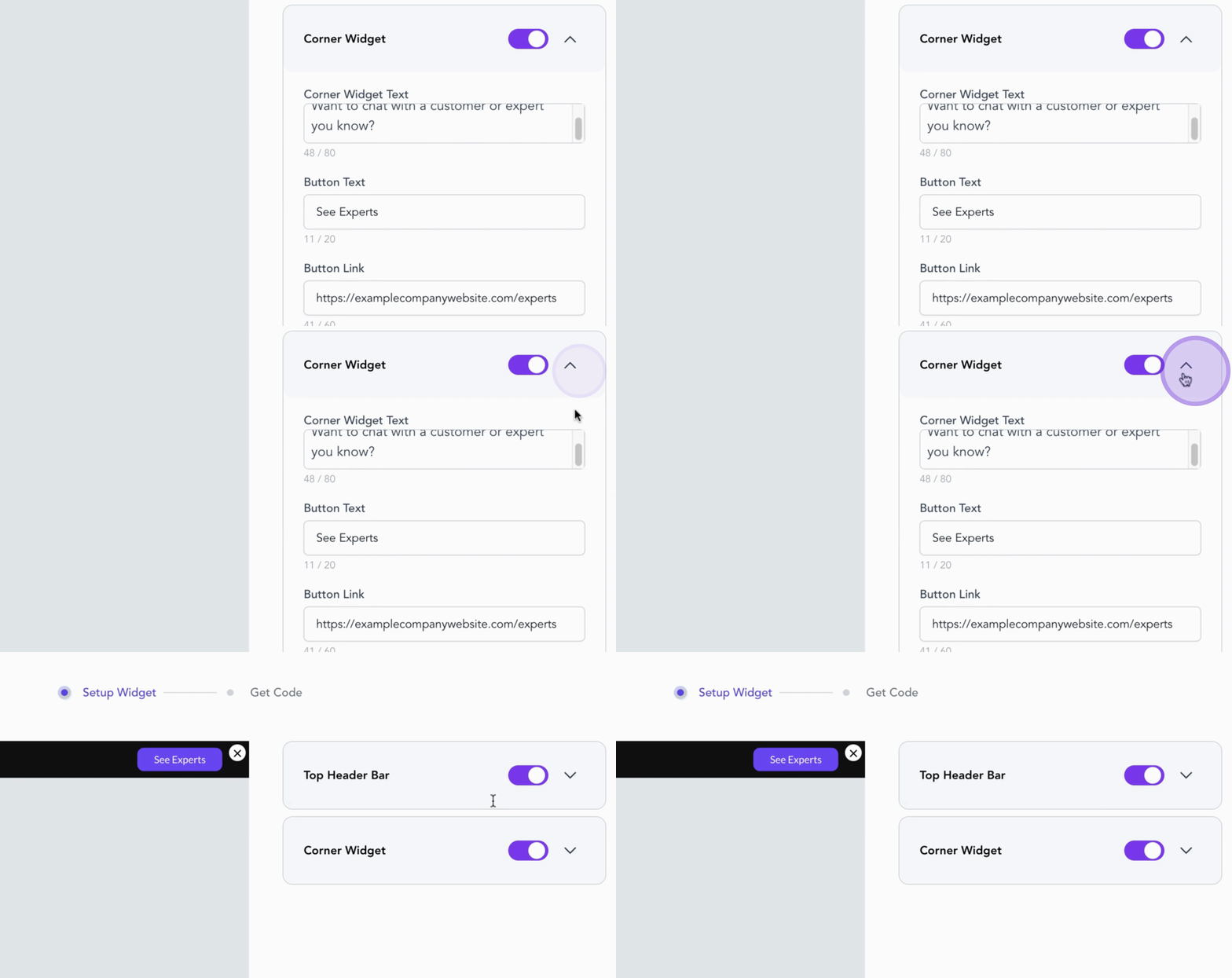
Once you are satisfied with your adjustments, you can proceed to the next step.