

This tutorial will guide you through the steps necessary to embed the directory you have designed into your website.
You will see the HTML code for your expert directory. This iframe code enables you to integrate the directory seamlessly onto any page of your website.
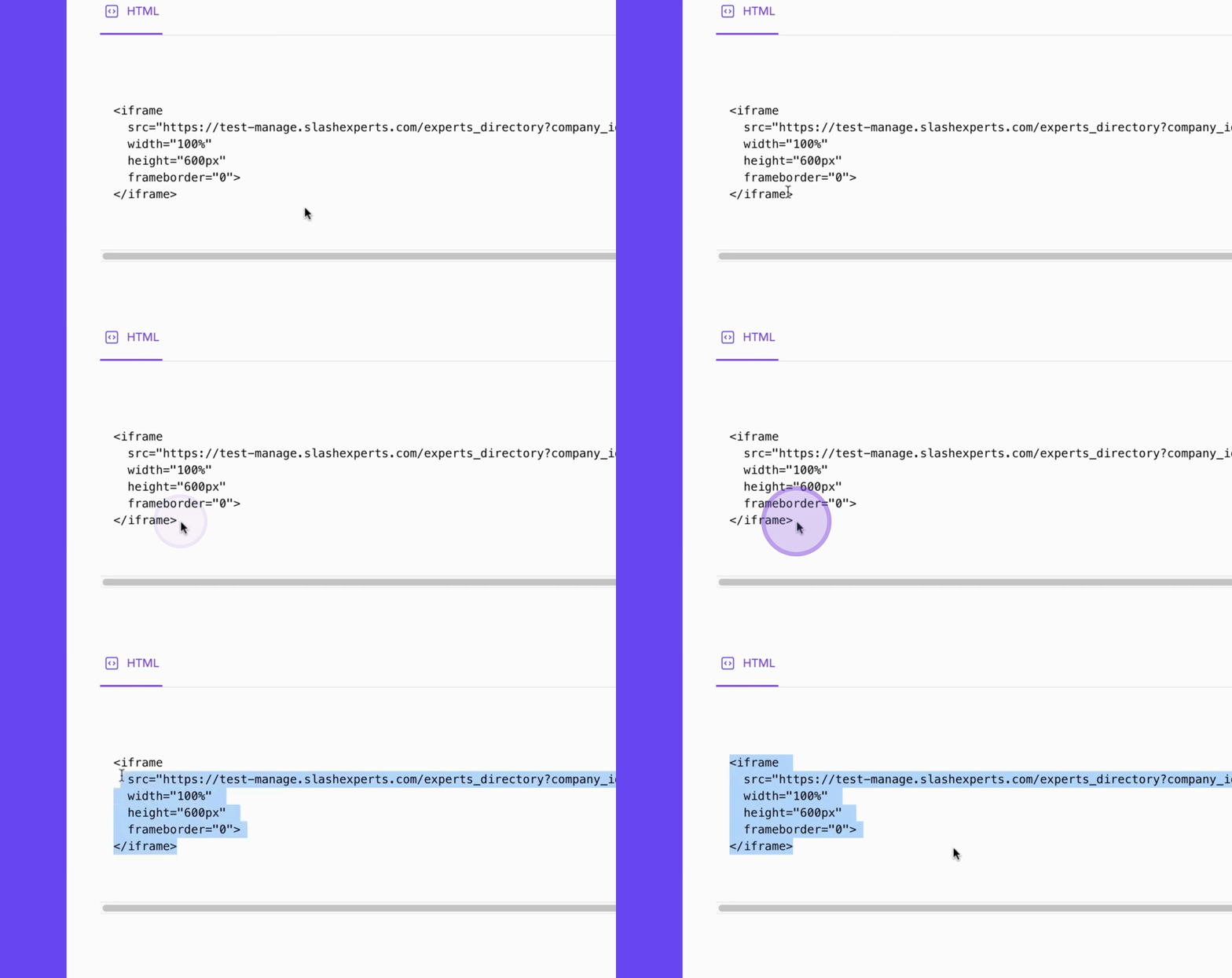
To copy the code, click the Copy Code button on the right.
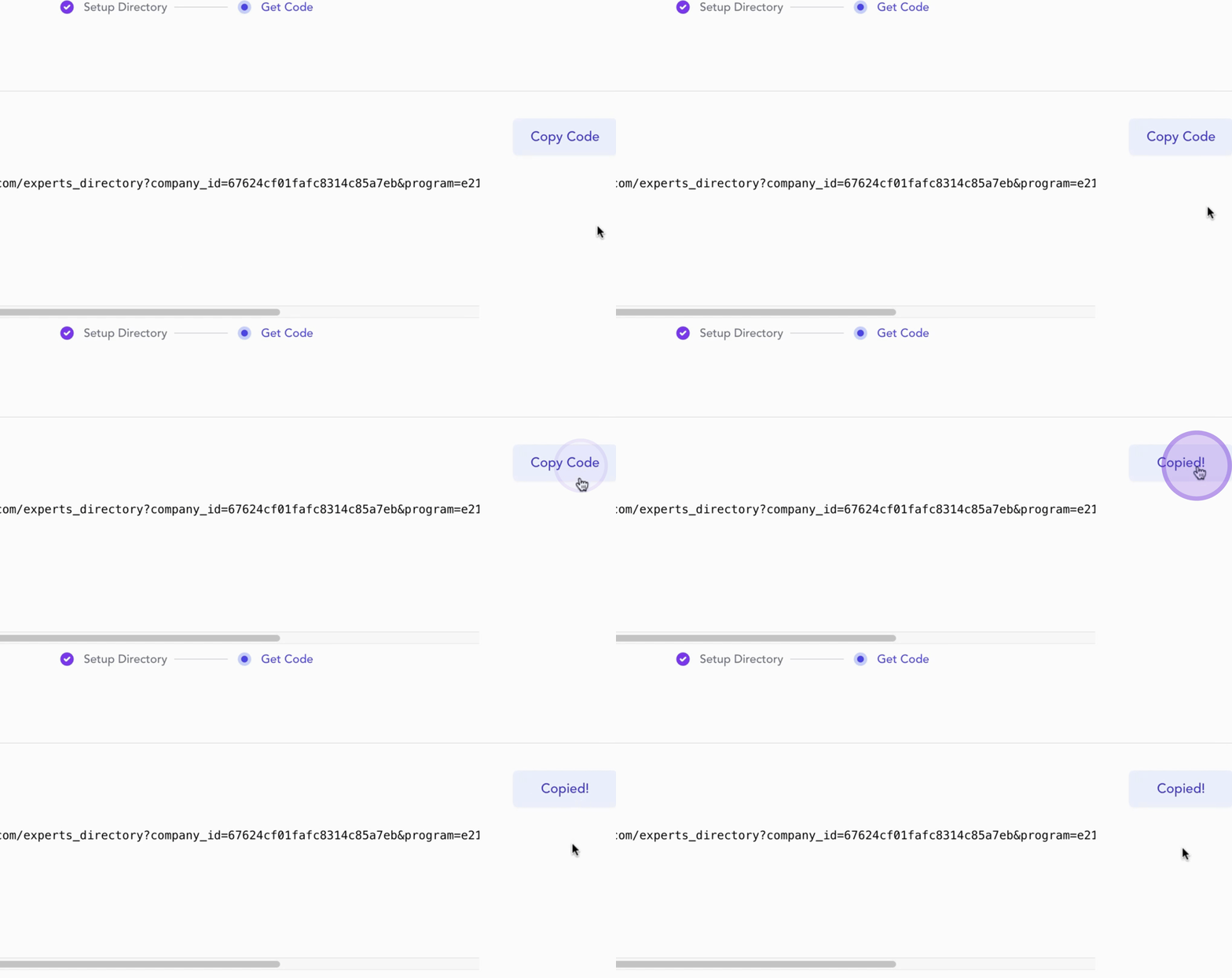
Then, paste it into a text editor to provide it to your web developer.
After the signup process is complete, all code snippets will be accessible to you from your Experts Dashboard, along with detailed instructions to assist your web developer in integrating it into your website.
Once you are prepared to proceed, click the next button to continue.
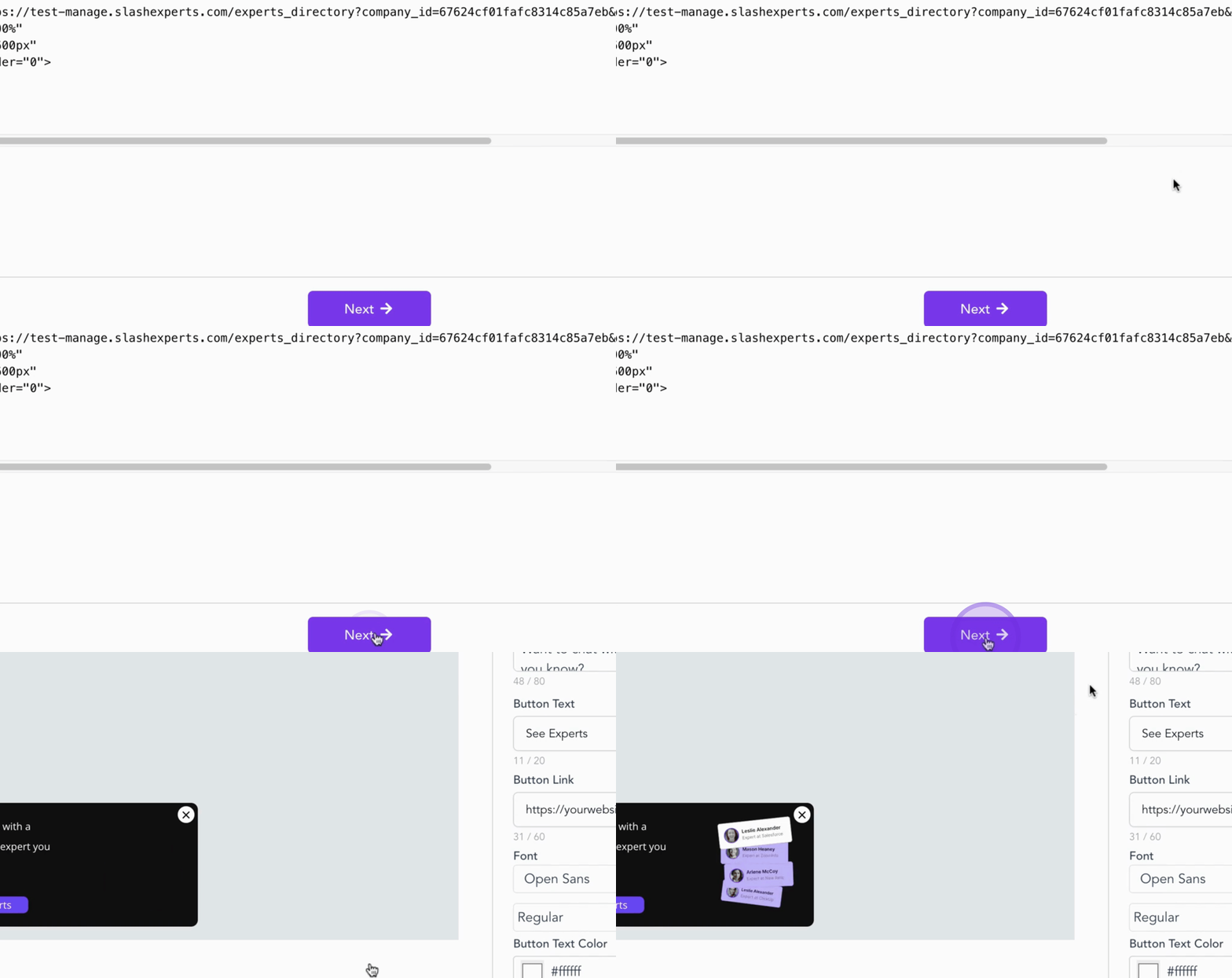
By following these steps, you will successfully integrate your directory into your website.