

This tutorial will guide you through the process of designing a visually engaging directory to showcase your experts on your website.
In this step, you will design a visually engaging directory that showcases your experts seamlessly on your website.
You will also see a live preview of how your expert directory will look.
Each card features your expert's information.
On the right side, you will find a variety of directory templates to choose from.

Simply click on a layout that aligns with your branding and vision.
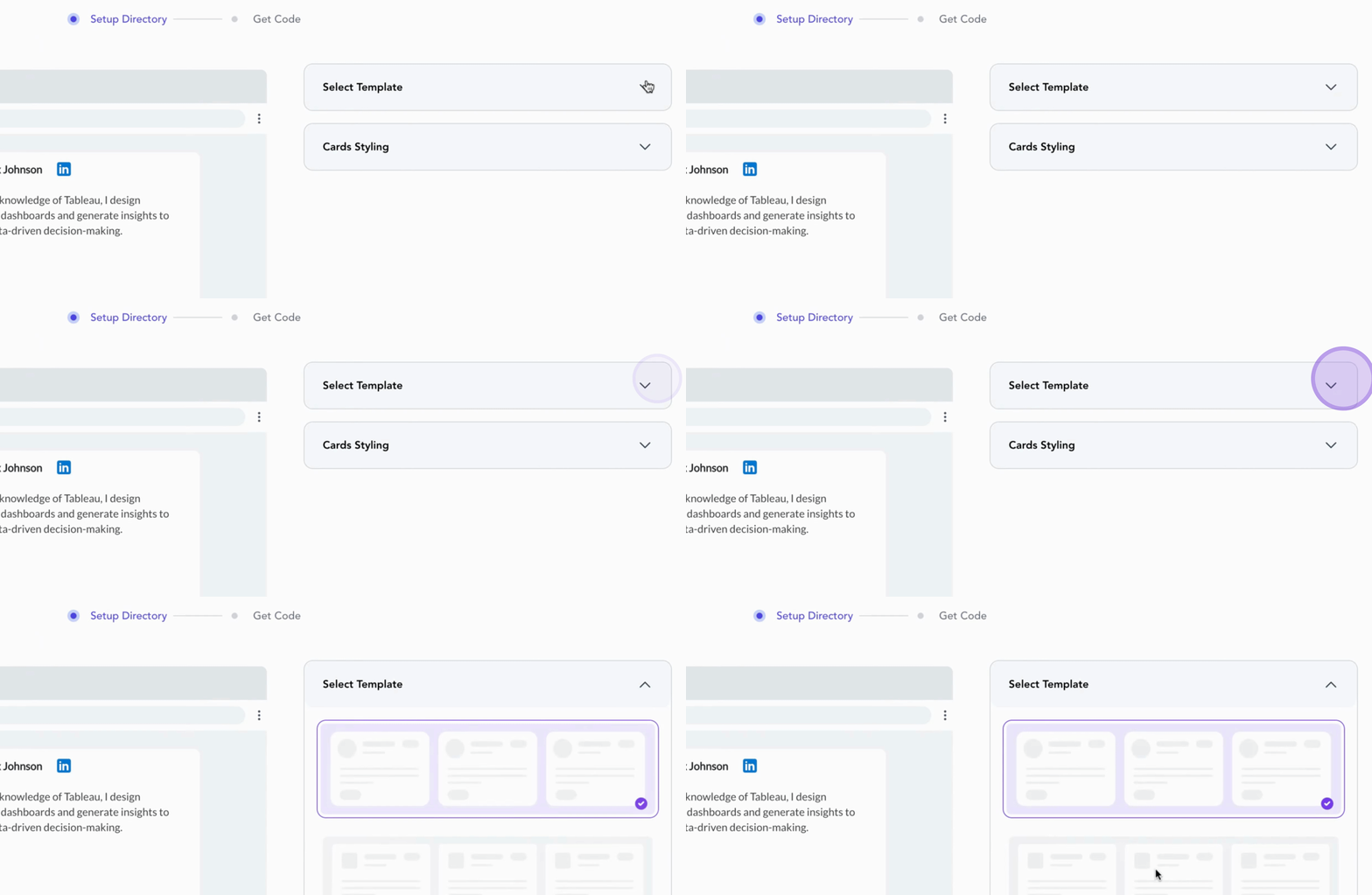
Next, fine-tune your directory style under Cards Styling.
Here, you can adjust fonts, text sizes, and customize button colors to match your website theme.
This ensures your directory not only looks professional but feels cohesive with your site.
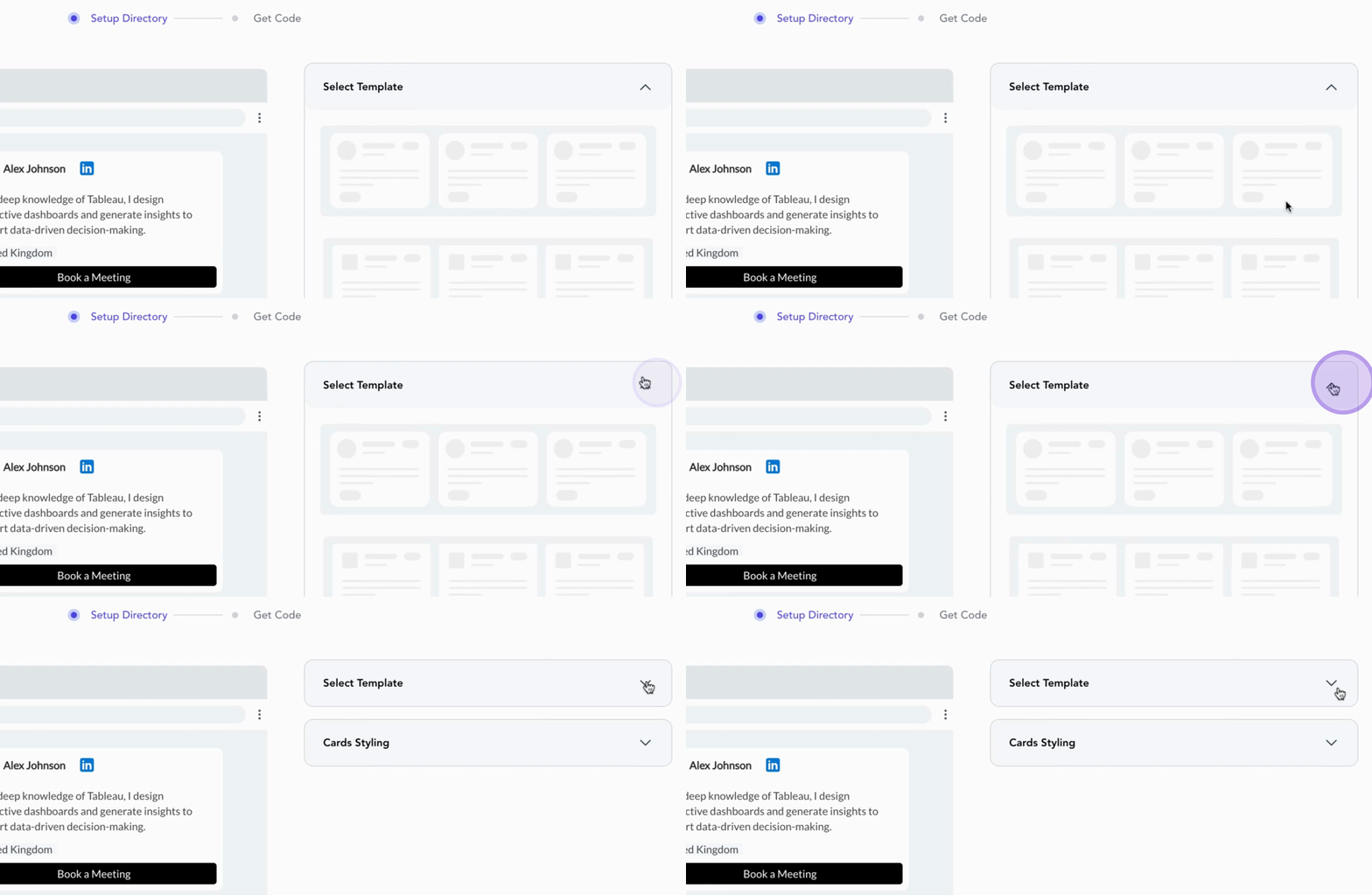
Once you are satisfied with the design, you are all set to proceed.
Your directory is now ready to showcase your experts and connect them to prospective buyers.
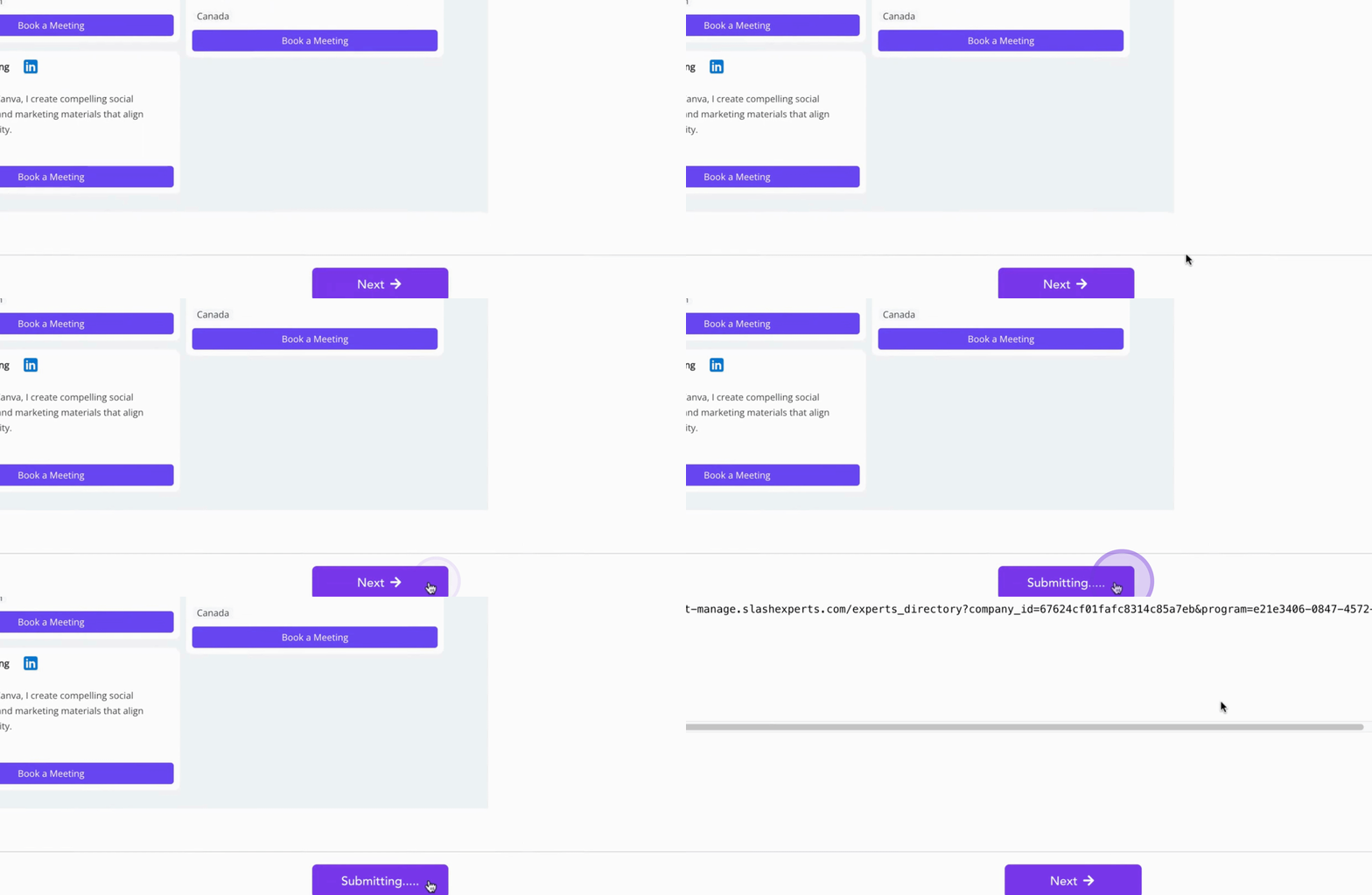
Congratulations on successfully setting up your expert directory!