

This tutorial will guide you through the process of setting up your account on Slash Expert.
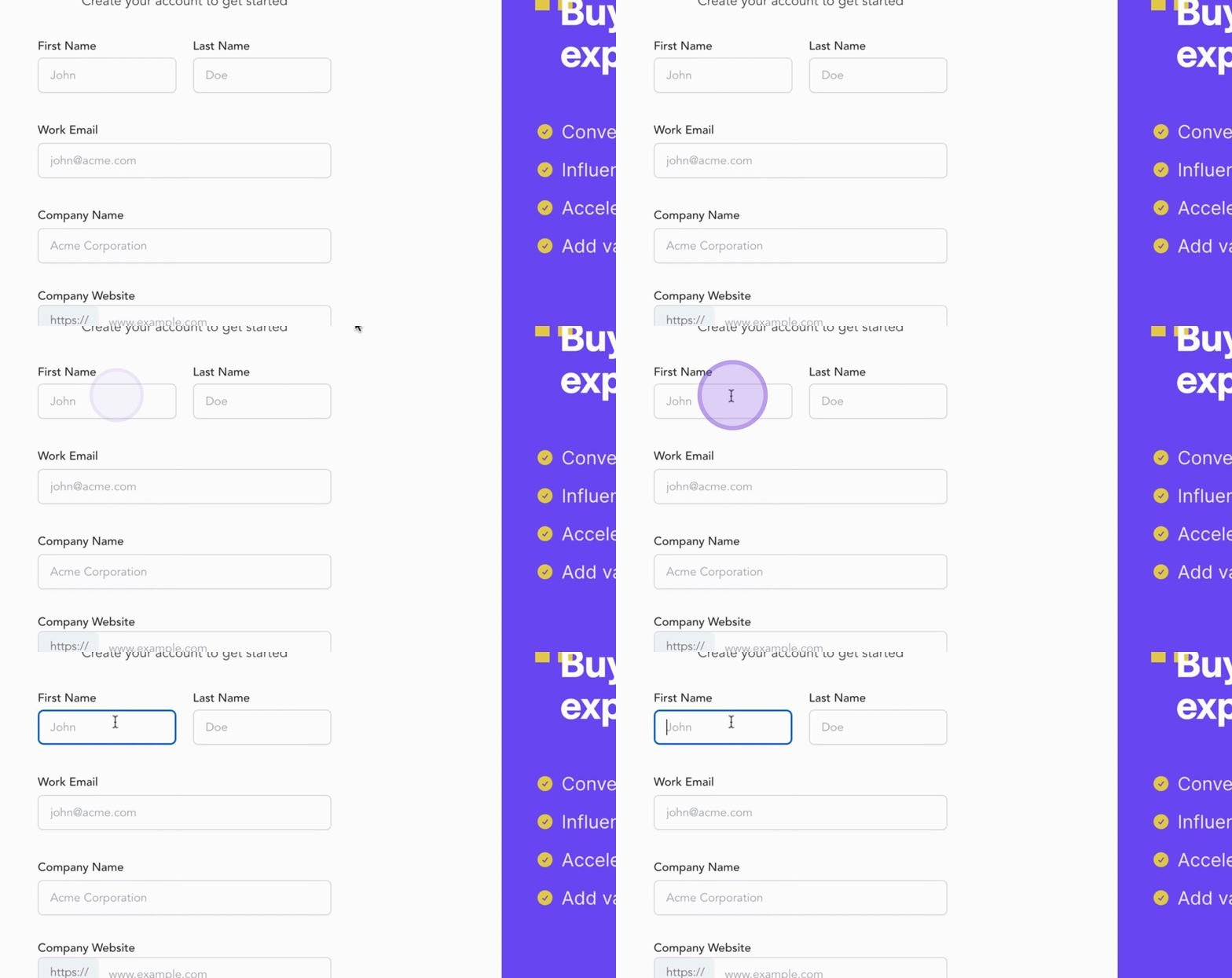
Begin by filling out the signup form.
Enter your First and Last Name.
Provide your Work Email.
Enter your Company Name.
Input your Company Website.
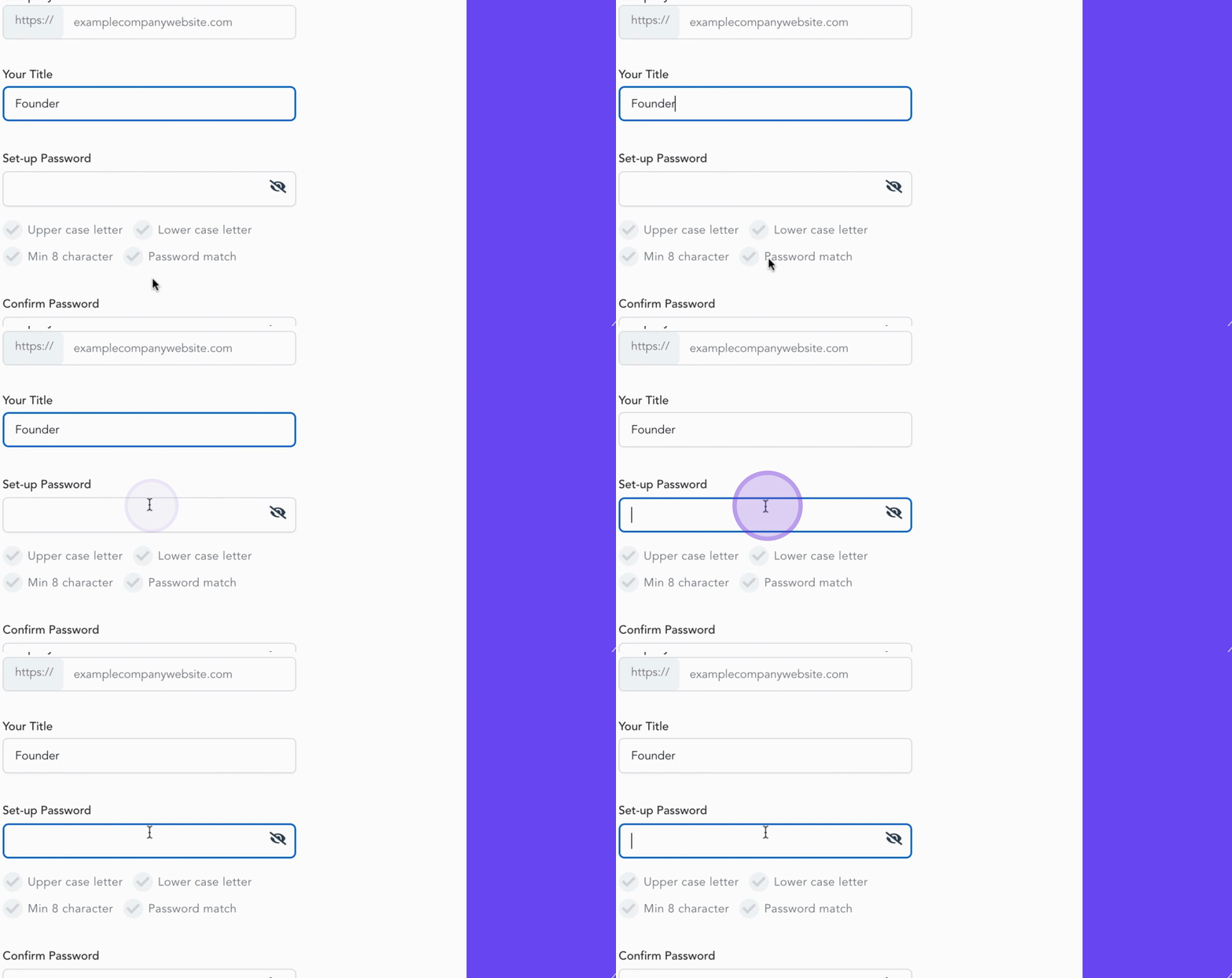
You also have the option to include your Title to personalize your profile.
Next, establish a strong Password.
You will notice helpful indicators below to assist you.
Ensure your password includes uppercase and lowercase letters, a minimum of eight characters, and that it matches the confirmation field.
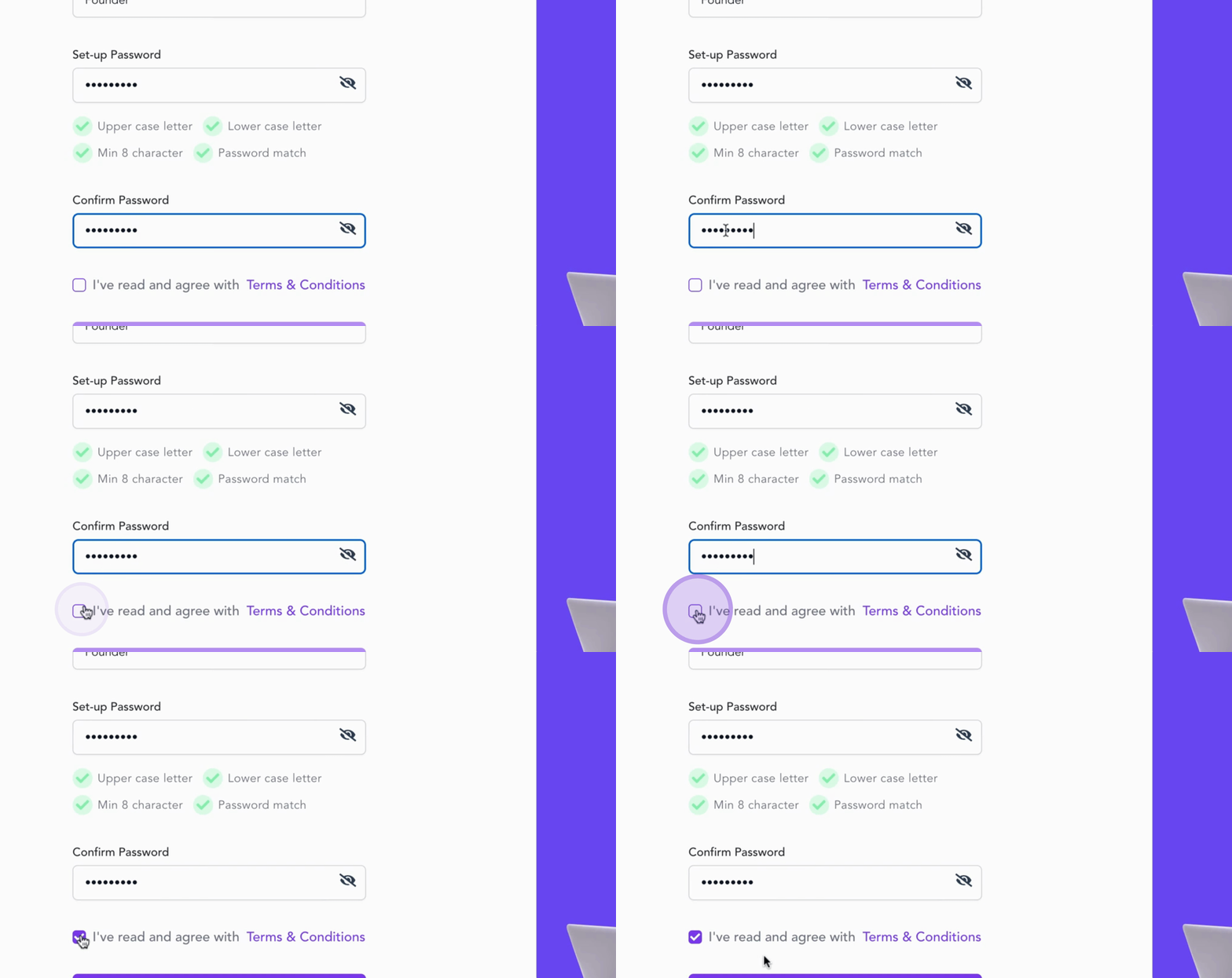
Tick the box to agree to the Terms and Conditions.
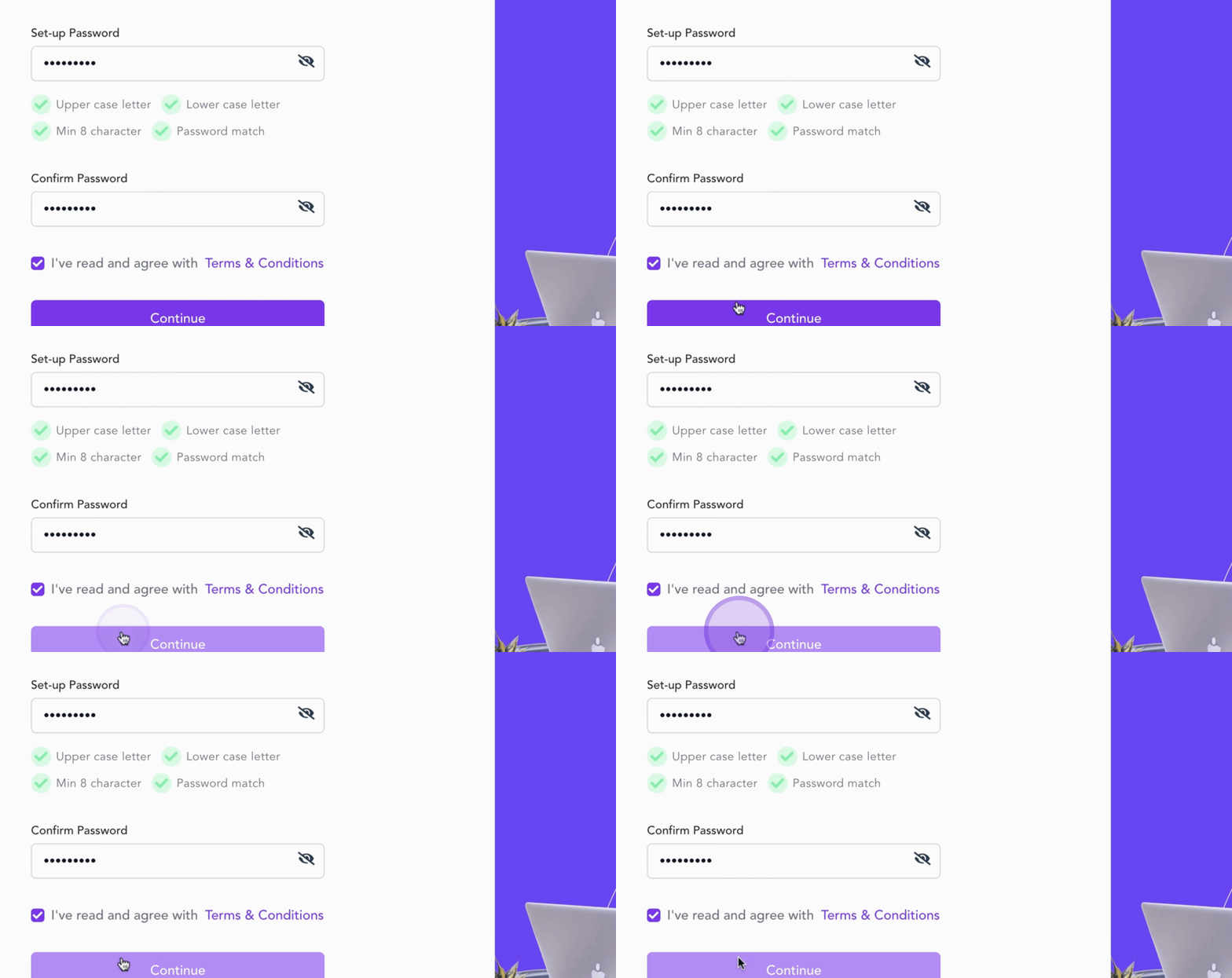
When everything is complete, click Continue to move forward.
Congratulations! You have successfully completed step one.
Now let's move on to setting up your Expert Program.
By following these steps, you will have set up your account on Slash Expert and be ready to proceed further.