

This tutorial will guide you through the process of sending invitations to experts that you wish to feature in your program.
On this page, you can send invitations to experts you'd like to feature in your program.
Simply enter their email address.
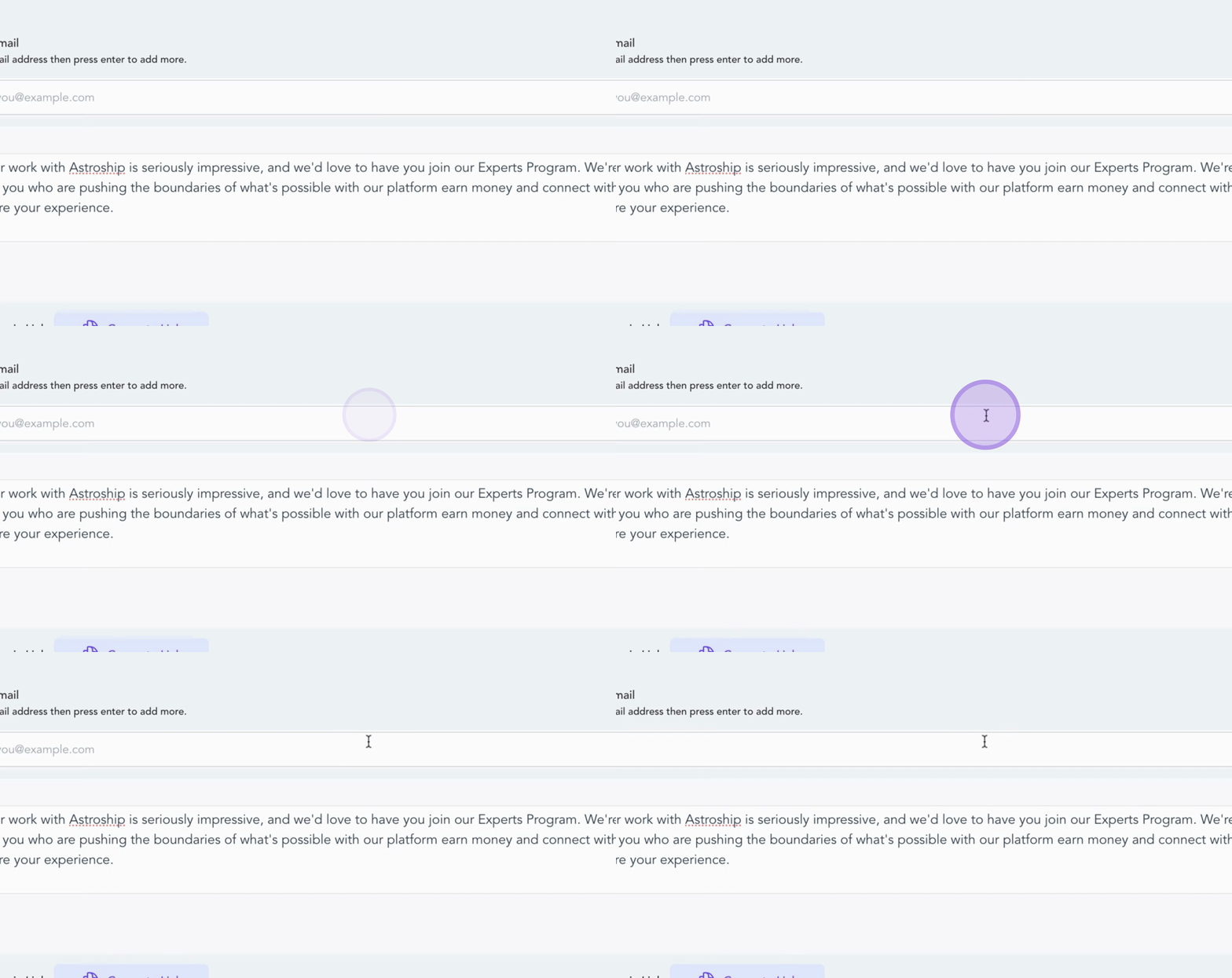
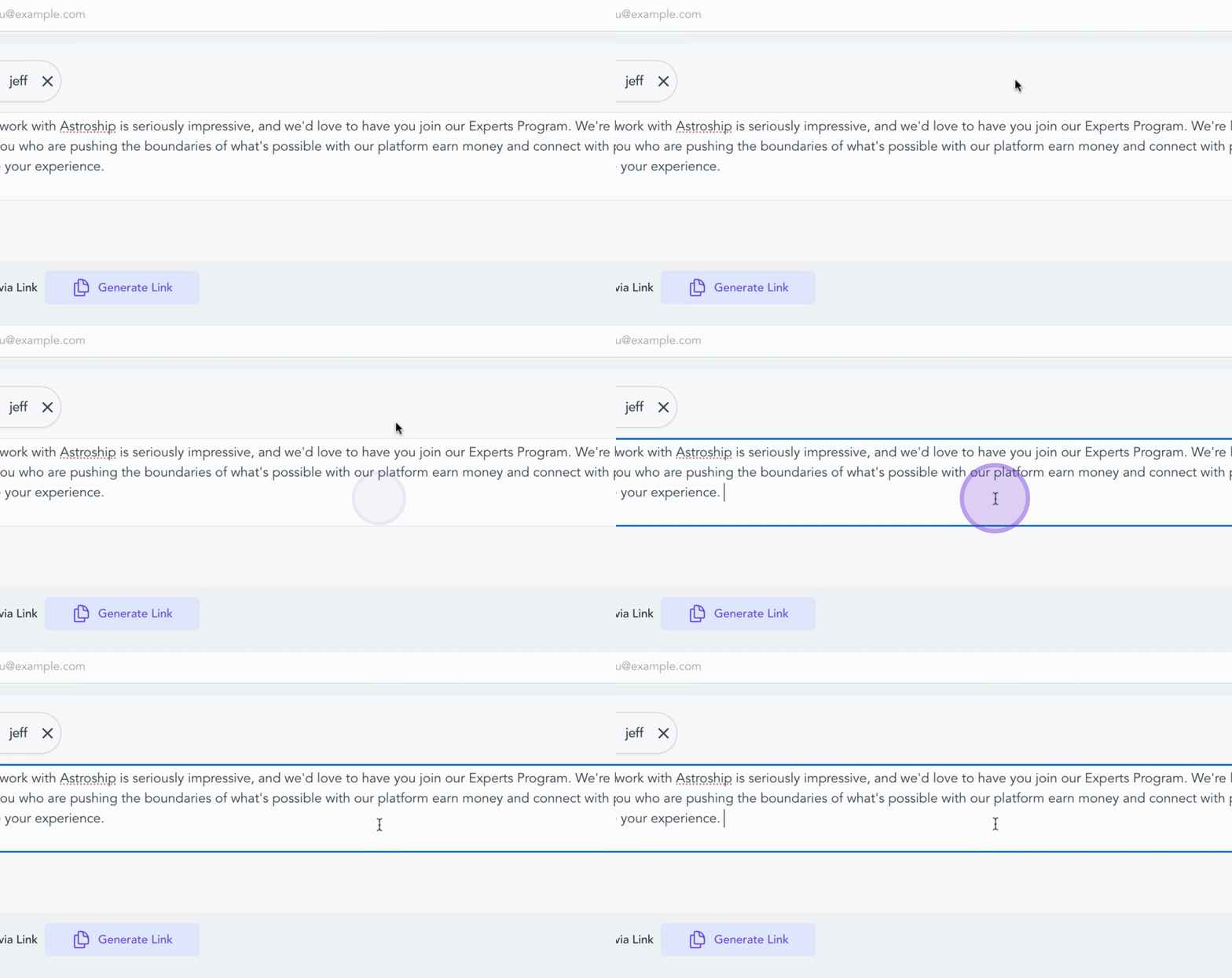
Personalize your invitation message.
Click Send Invite.
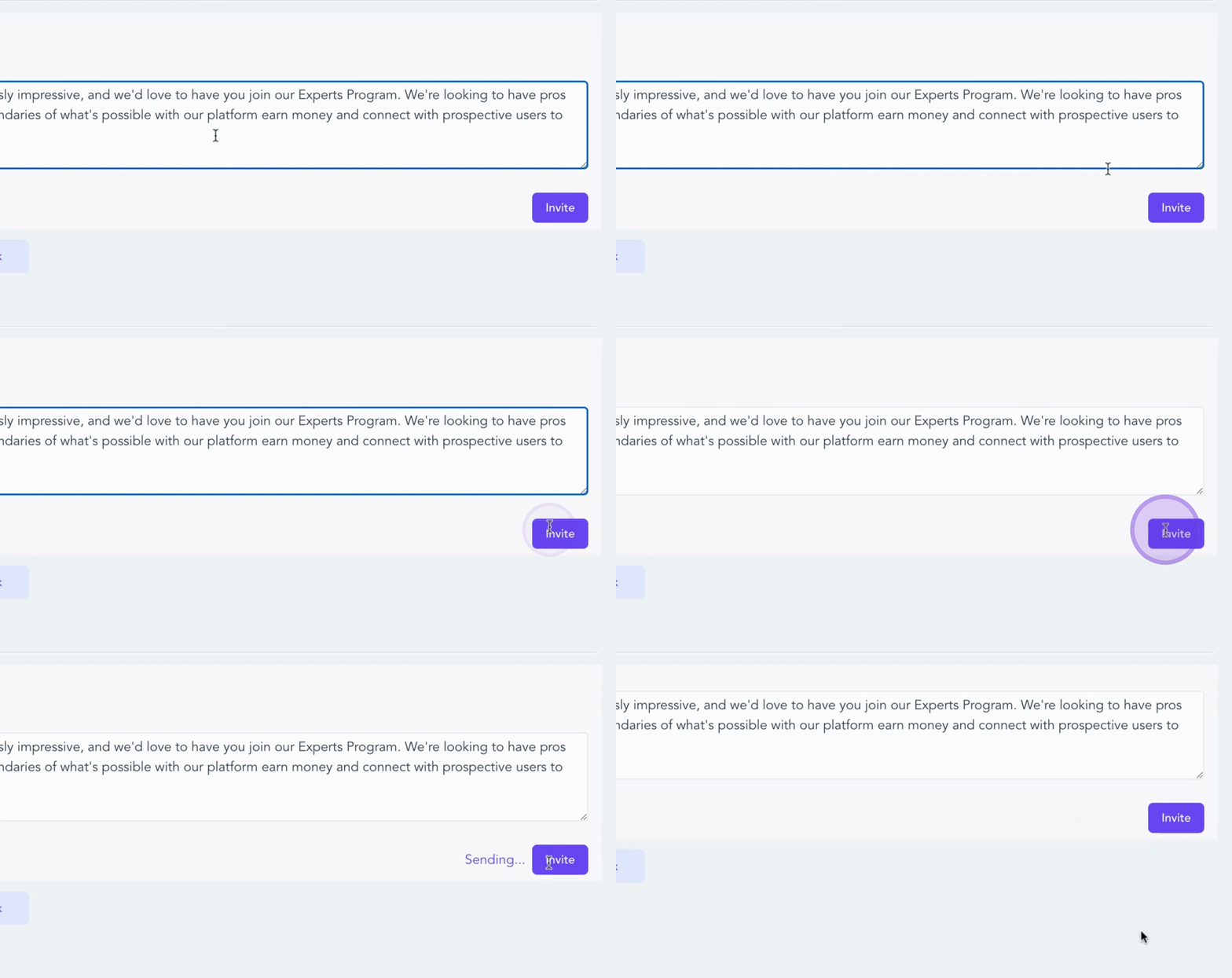
Each invited expert will receive an email with instructions to join your directory.
Once they sign up, they'll automatically appear in your program, ready to connect with buyers.
Inviting new experts and sending invitations to suggested experts will always be available in your Slash Experts Dashboard.
And just like that, you've completed all the steps to set up your Experts program.
This includes creating your account, configuring your expert directory, integrating with your CRM, and inviting experts.
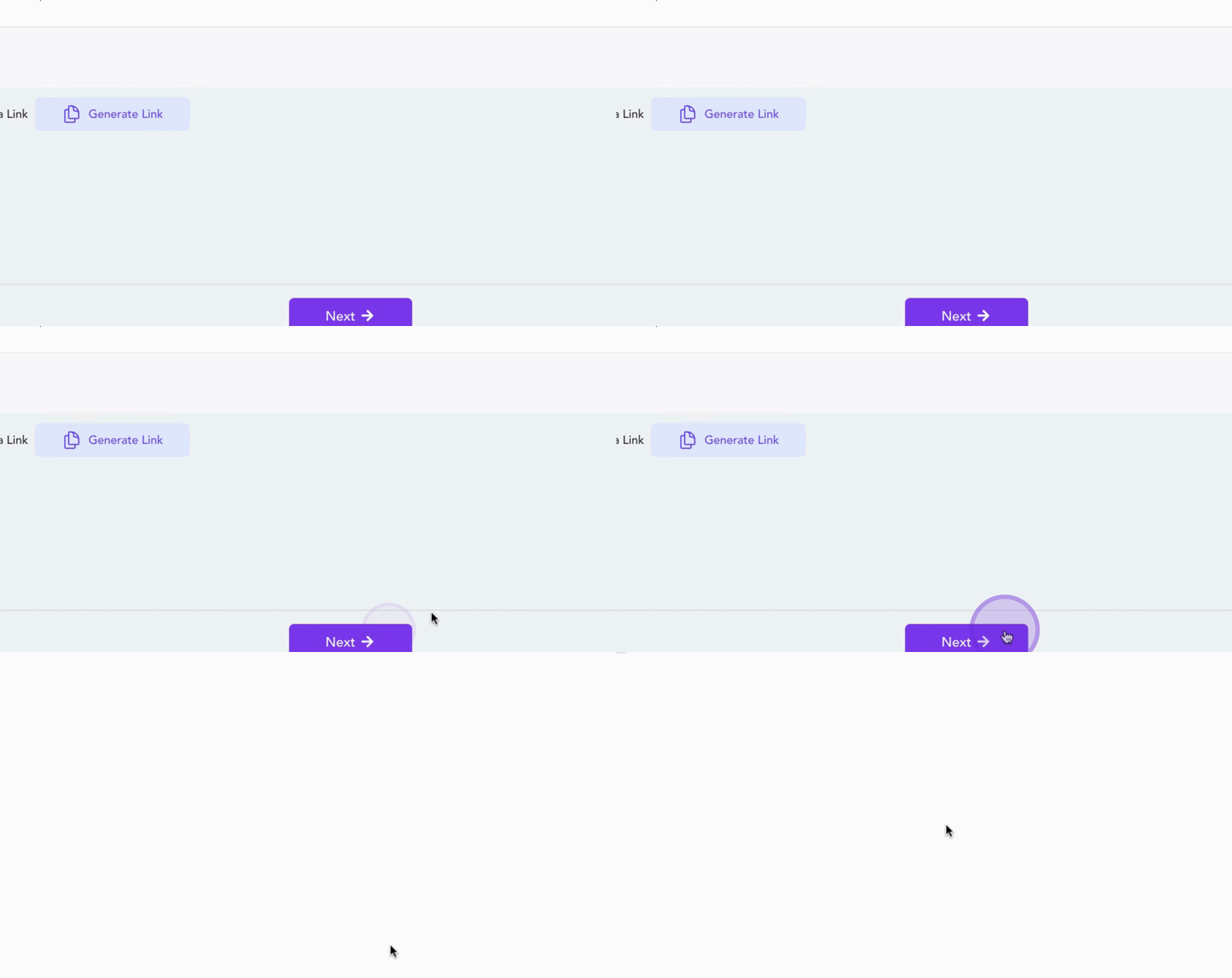
By following these steps, you will effectively invite experts to join your program, enabling connections with buyers.