

This tutorial will guide you through the configuration of your expert program, focusing on essential steps to set up various sections effectively.
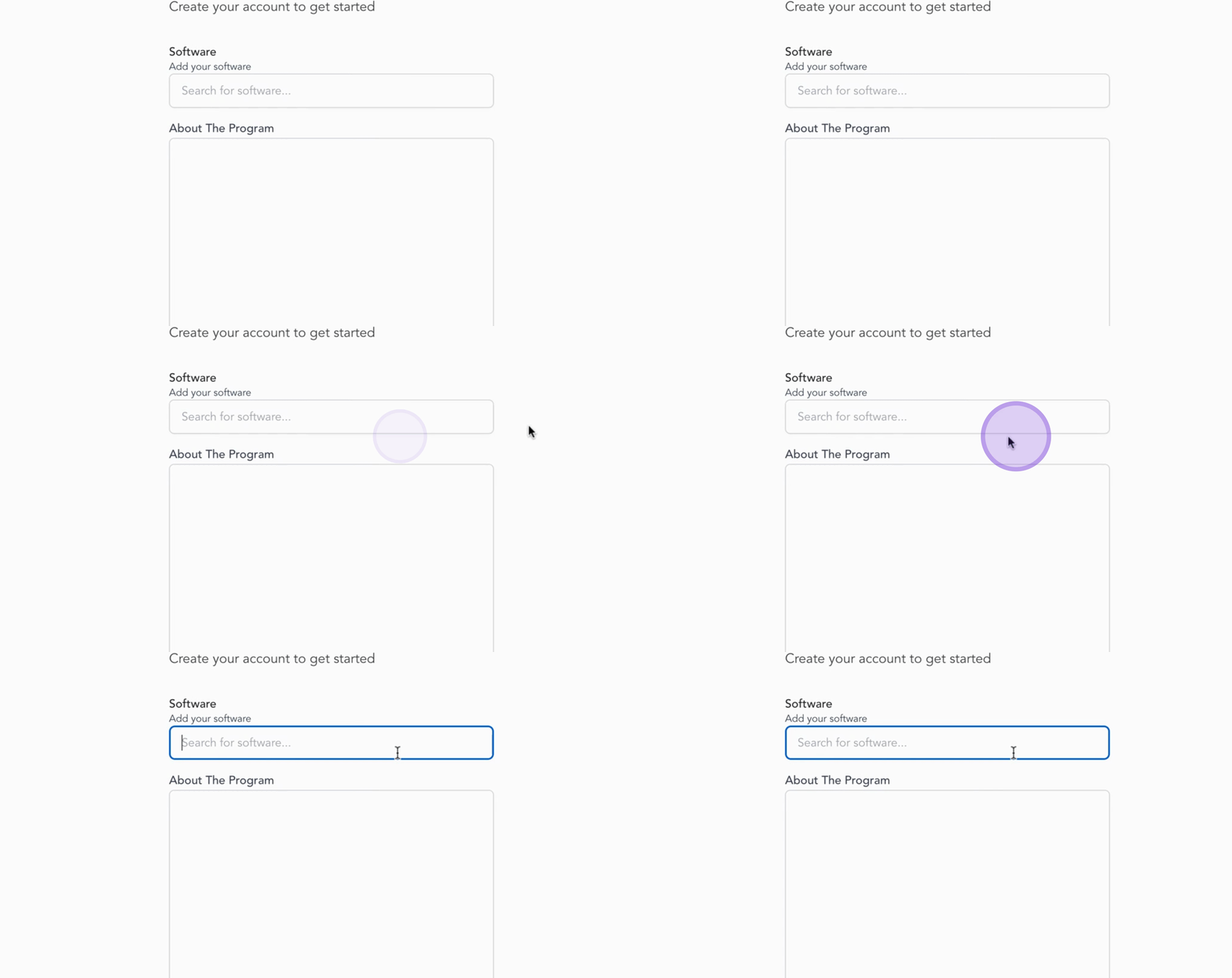
Let's begin with the Software field. Search for your company's software in the search field.
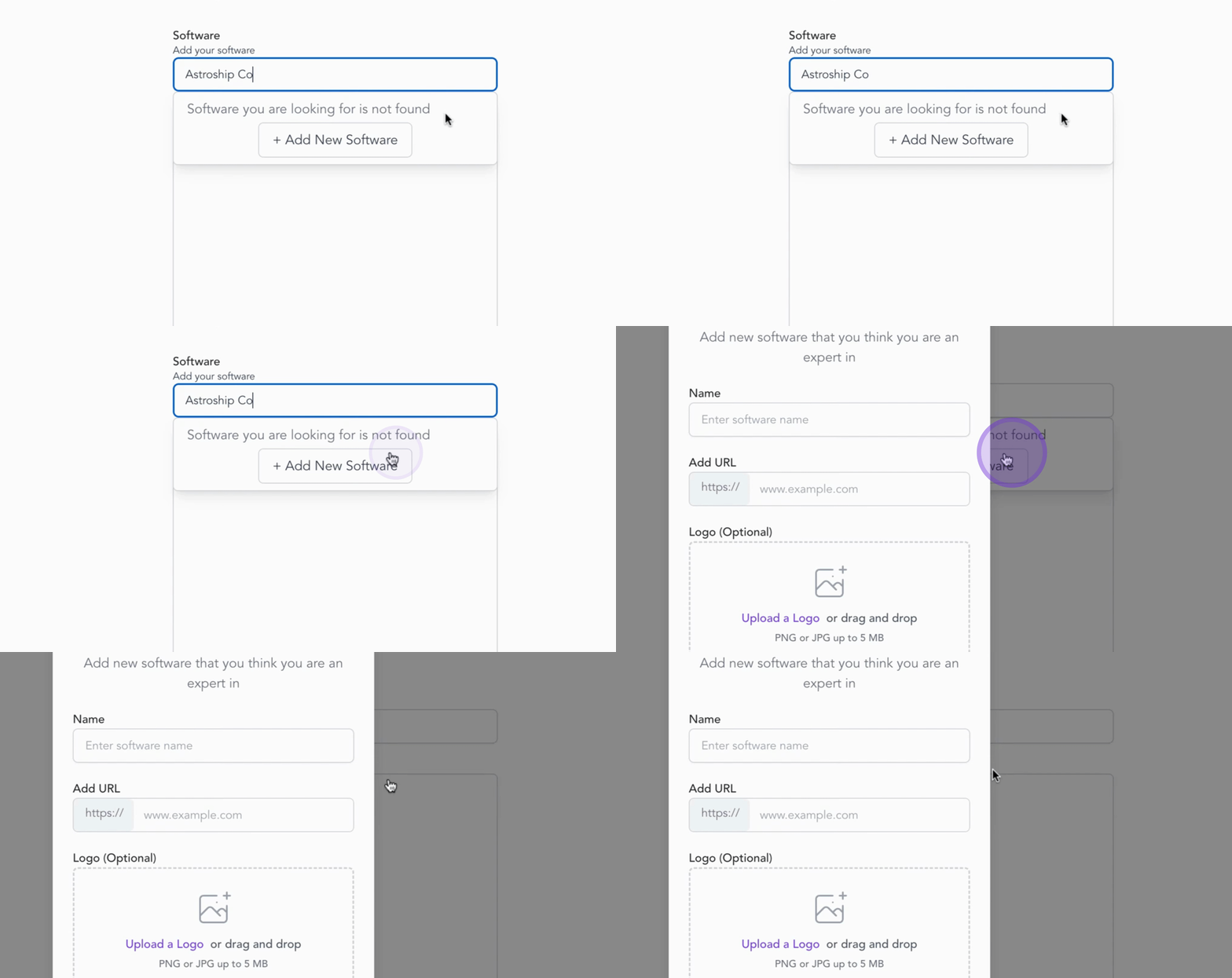
If you don't see your software listed, there is no need to worry. Simply click the Add Software button.
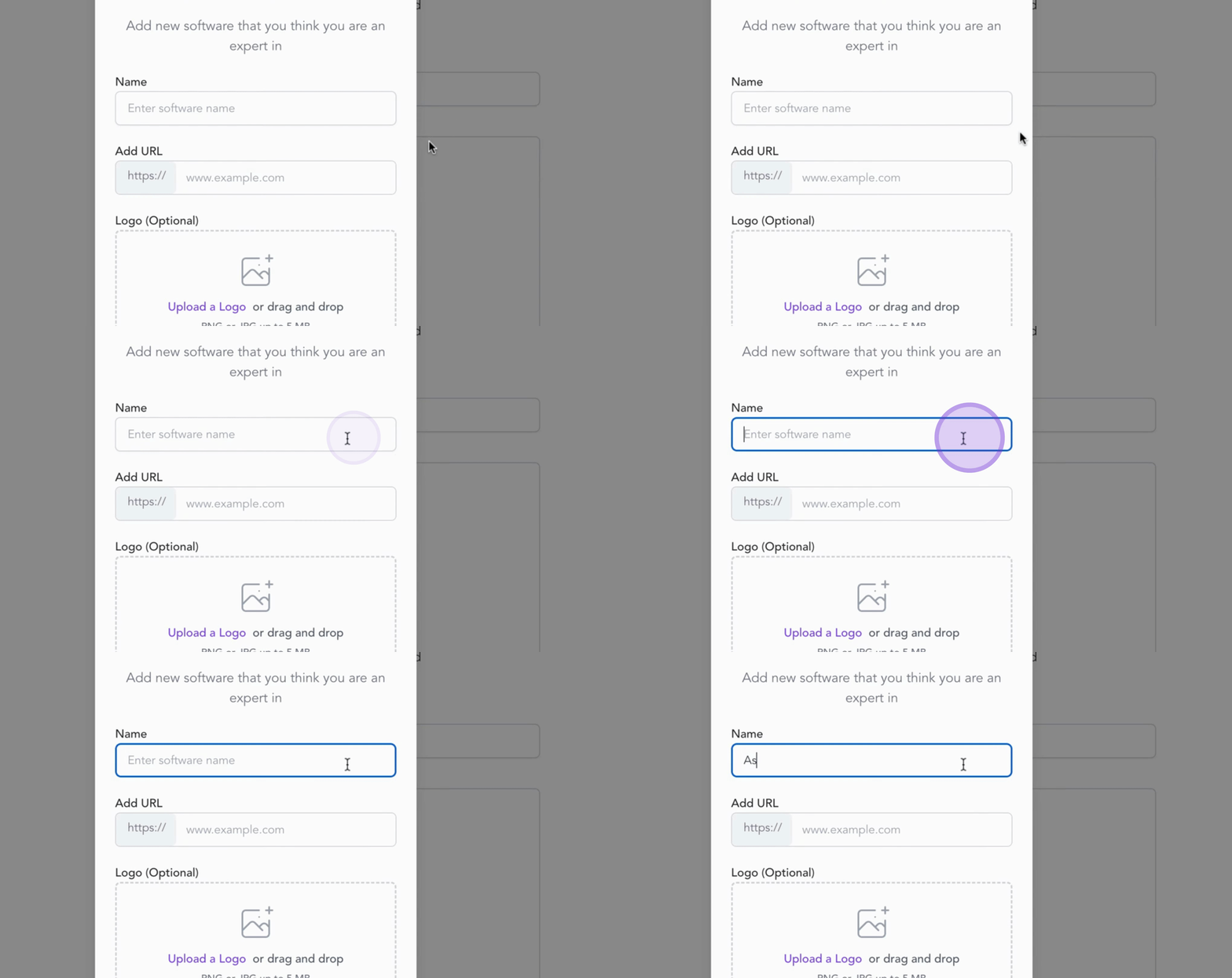
Type in the name of the software, add the URL, and upload your logo. Finally, click Add to include it in the system.
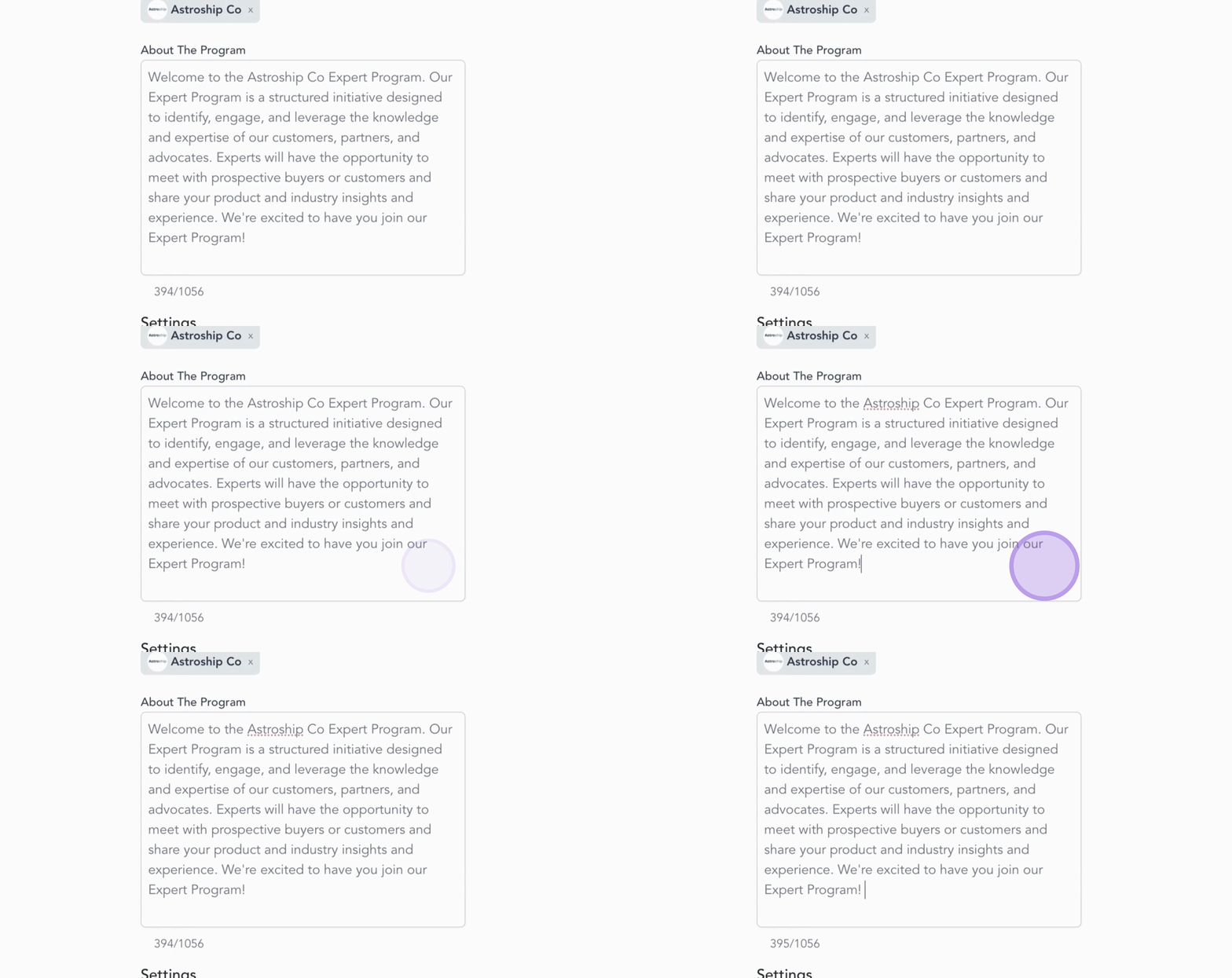
Next, move to the About the Program section. Here, provide a brief description of your expert program, highlighting its value for prospects and partners.
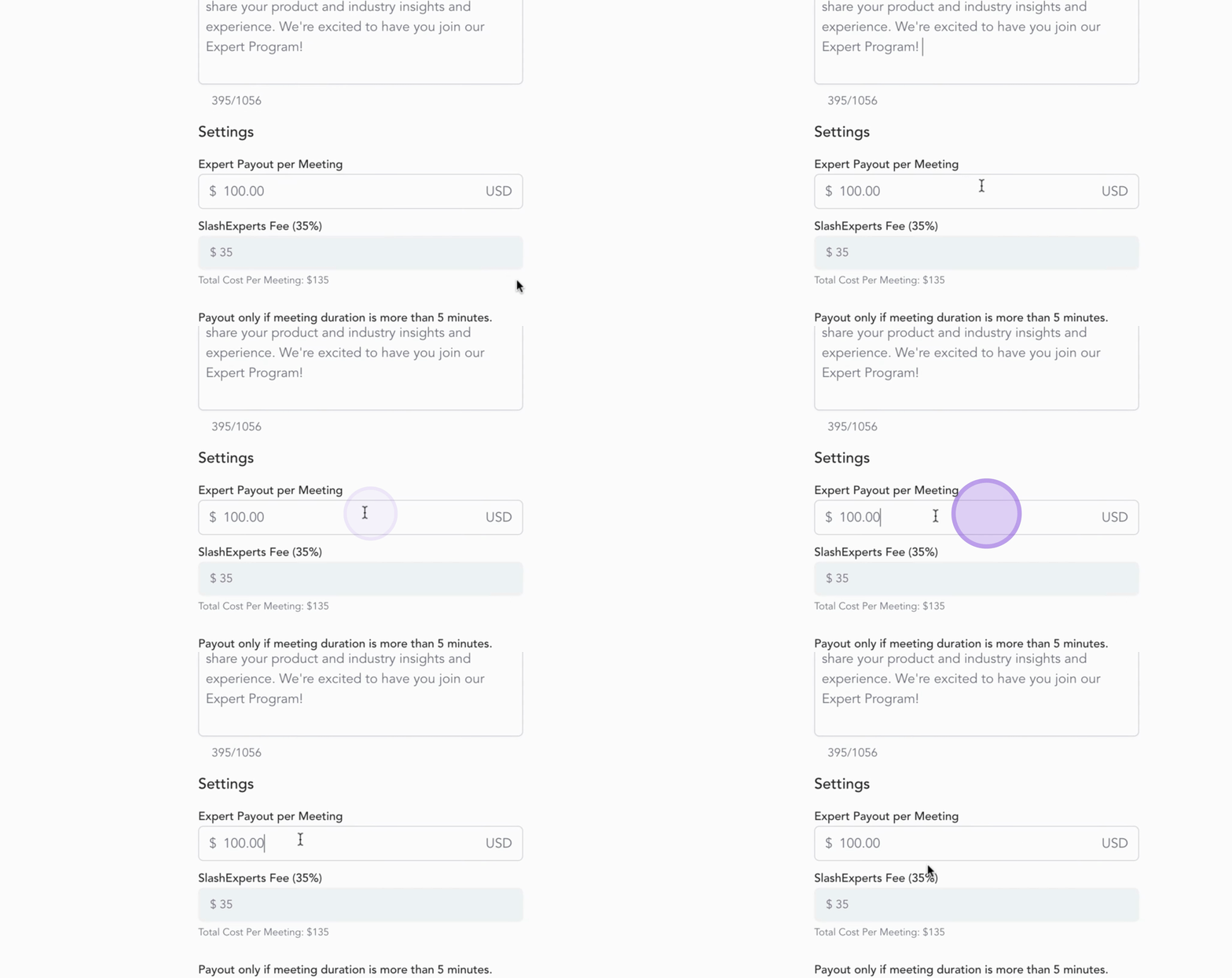
Now, let's set up your Meeting Payout. Enter the payout amount for your experts per meeting, noting that the expert fee is automatically calculated.
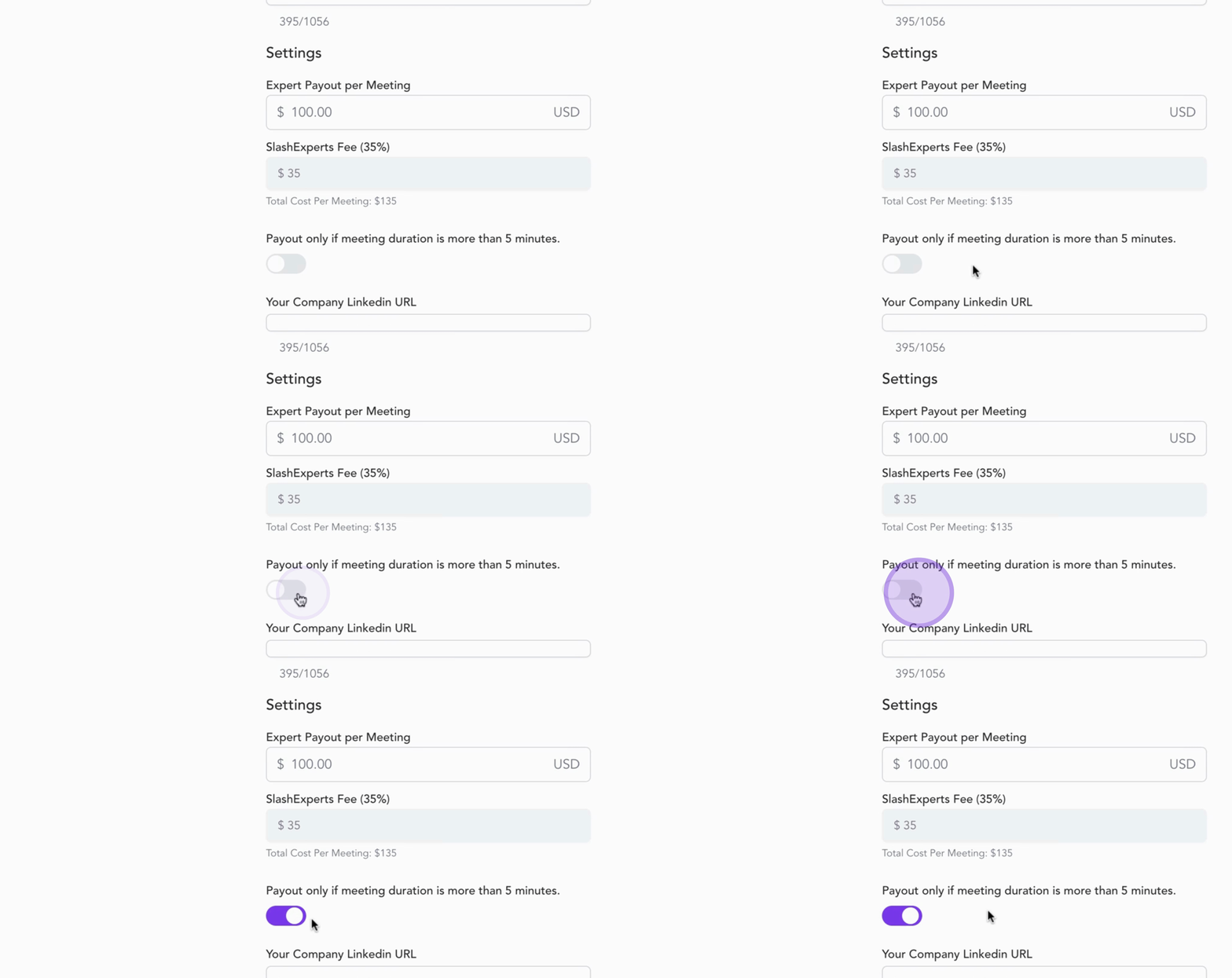
If you want to ensure payouts are valid only for meetings longer than 5 minutes, toggle this option on.
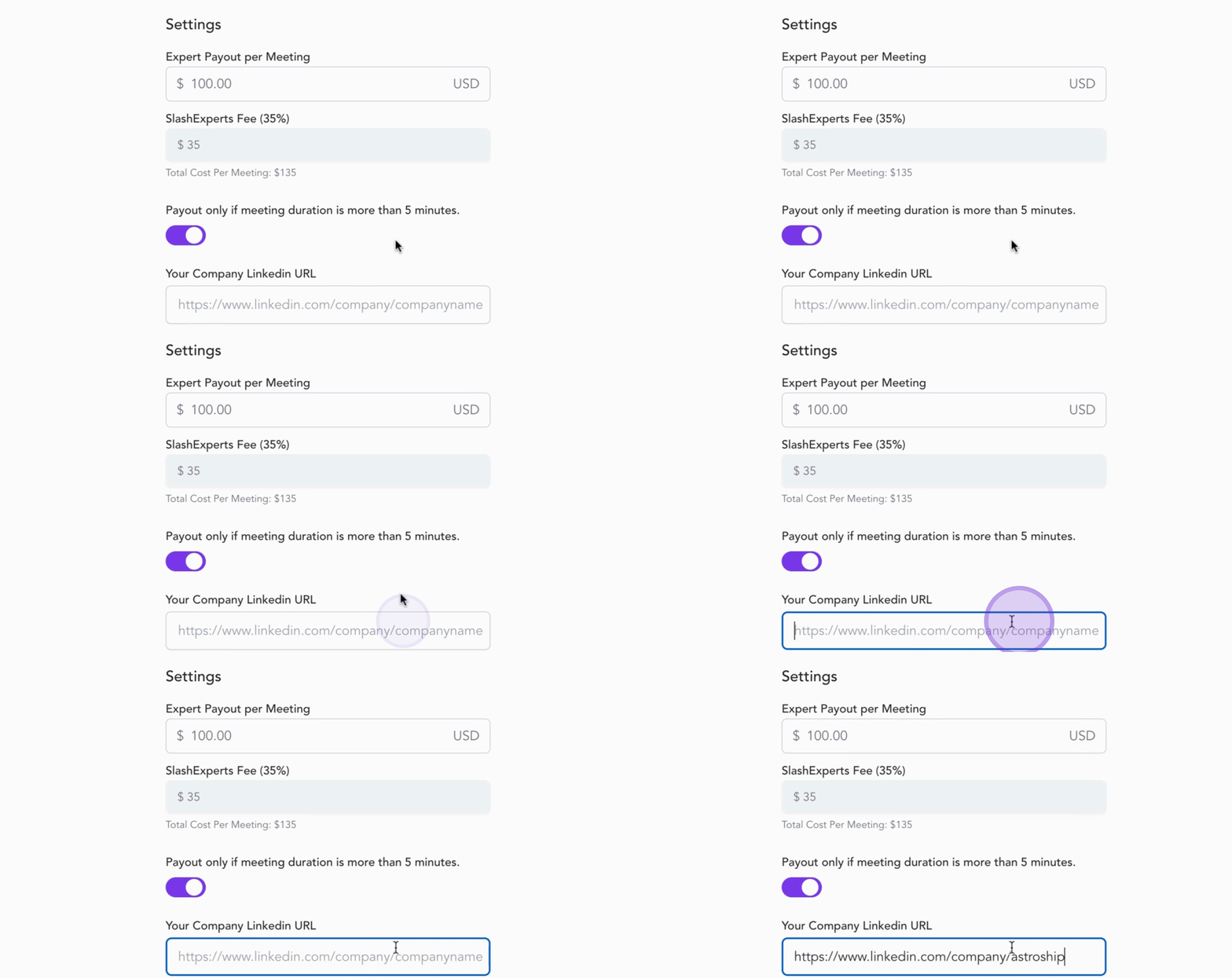
Enter your company's LinkedIn profile URL in the field to assist in suggesting relevant experts for your program.
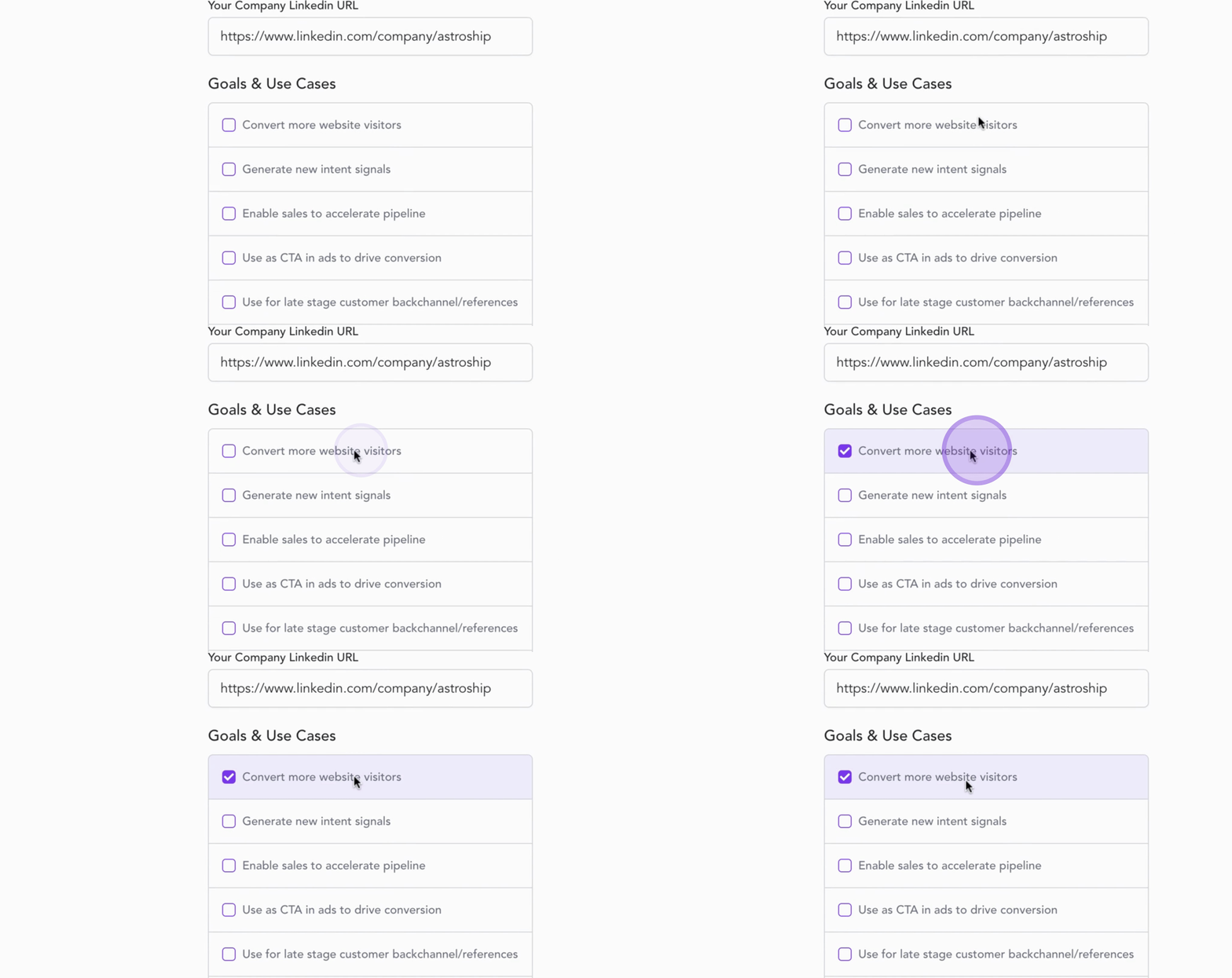
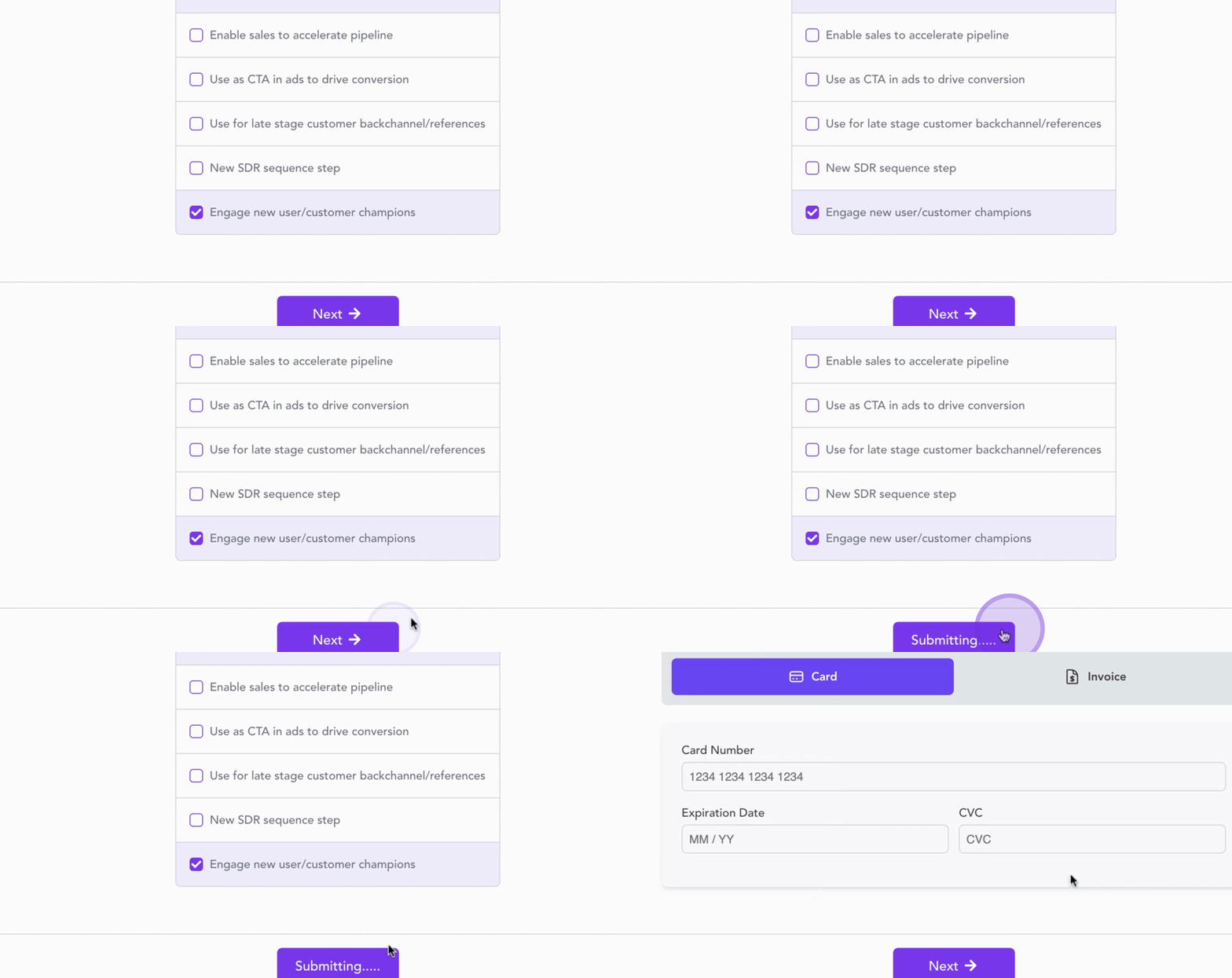
Finally, define your program goals. Choose from options such as Convert more website visitors, generate new intent signals, or Engage new user champions. You can select multiple goals that align with your business objectives.
Once all details are complete, review everything and click Continue to move forward.
Great job! Your expert program details are now set up.
By following these steps, you will effectively configure your expert program and its necessary components.